

### Blog Post:
Home office setup is more than finding an empty corner and plugging in your laptop. Today’s workforce needs a practical and proven approach to create a space that actually supports focus, comfort, and real productivity—without all the hype.
Key Takeaways
- Remote job demand is higher than ever, but most home offices miss crucial ergonomic and productivity details.
- Poor setups quickly lead to real discomfort and distraction—make small changes for big improvements.
- You don’t need expensive gear, but you do need a plan that fits your unique space and work style.
- Understanding the Core Concept of a Productive Home Office Setup
- Step-by-Step Guide to Creating a Home Office Setup That Works
- Advanced Analysis and Common Pitfalls in Home Office Setups
- Conclusion: Making Your Home Office Setup Work for You
- Home Office Setup FAQ
Understanding the Core Concept of a Productive Home Office Setup
A great home office setup gives you the environment to do your best work—consistently. Forget trends that come and go. The real challenge is balancing comfort, technology, and personal needs. Demand for remote work continues to rise: 91% of global employees want to work either fully or almost entirely from home, and by late 2024, 15% of the US workforce is now fully remote (source). Digital jobs suited for remote work are expected to reach 92 million globally by 2030 (source), making the quality of your home workspace more important than ever.
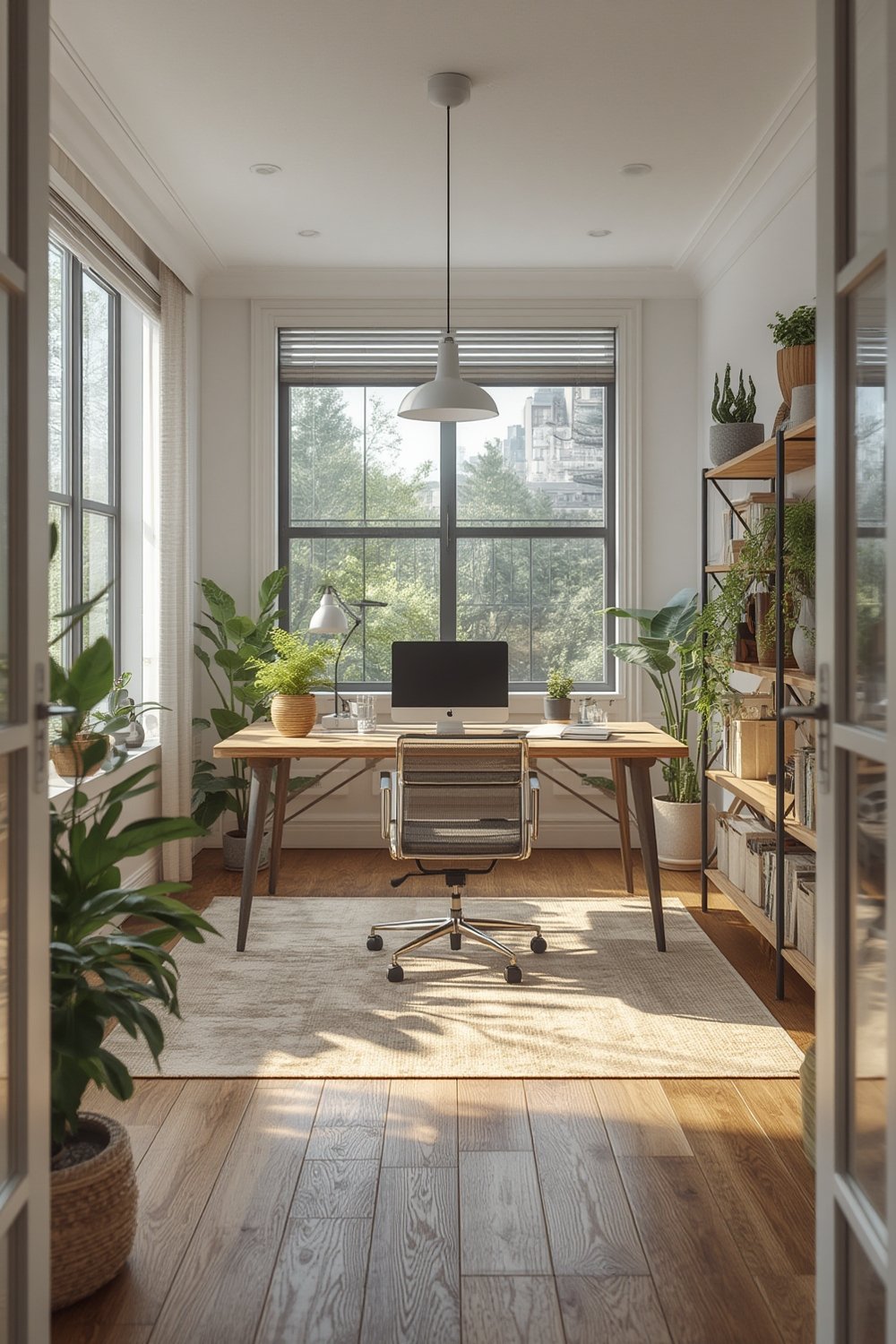
At its core, a productive workspace is ergonomic, distraction-limiting, and tailored to how you actually work—whether you’re working on a sprawling project or just need crisp video calls. Simply copying Instagram-ready desks won’t address the issues that make or break your daily productivity over months and years. For deeper smart home upgrades, check out Ultimate Smart Home Improvement Ideas to Upgrade Your Living Space.
Step-by-Step Guide to Creating a Home Office Setup That Works
Ready to build or upgrade your home office setup? Here’s a stepwise, evidence-driven approach that delivers results.
-
Start With Location, Not Gear
Pick a spot with natural light if possible, but prioritize minimal foot traffic and interruptions above all. If spare rooms aren’t an option, a quiet nook can work—even a dining room table can be transformed with routine. -
Lock In Your Primary Surface
Use a simple, sturdy desk or deep table. Wobbly or shallow surfaces lead to frustration. Consider sit-stand desks, especially if you experience back stiffness. While the research on ROI isn’t conclusive, many report reduced aches with more standing. For tips on maximizing small spaces with flexible furniture, explore Modular Furniture: 7 Amazing Ways to Maximize Space. -
Invest in Your Chair
You don’t need a top-dollar model, but adjustable lumbar support and the correct seat height make hours at your desk sustainable. A basic ergonomic chair with flip-up arms, mesh back, and tilt control is a worthwhile baseline. Those with certifications like BIFMA or GREENGUARD indicate tested durability and reduced chemical off-gassing for long-term health (see details in Section 3). -
Screen Setup Matters
The top of your monitor should be at, or slightly below, eye level to reduce neck strain. Use a monitor arm if possible, or stack books under your screen. Position screens about an arm’s length away. For dual setups, angle both toward your primary chair position. -
Optimize Lighting
Overhead light plus a dedicated desk lamp cuts eye fatigue. Use warm color tones and avoid glare on screens. For advanced lighting solutions that sync with routines, see our coverage on smart lighting systems. -
Plan Your Tech and Accessories
Consider a separate keyboard and mouse that fit your hand size. Cord management is key—use cable trays or simple clips to keep things tidy and safe. If your internet lags, a wired connection or mesh Wi-Fi system boosts video call reliability. -
Create a Routine and Personalize
Keep essentials close: notepad, favorite mug, and a plant for a bit of calm. Regularly declutter at the end of your workday—visual chaos distracts you more than you think. Sound-masking (background noise, white noise app, or even a small fountain) can help focus in busy homes.
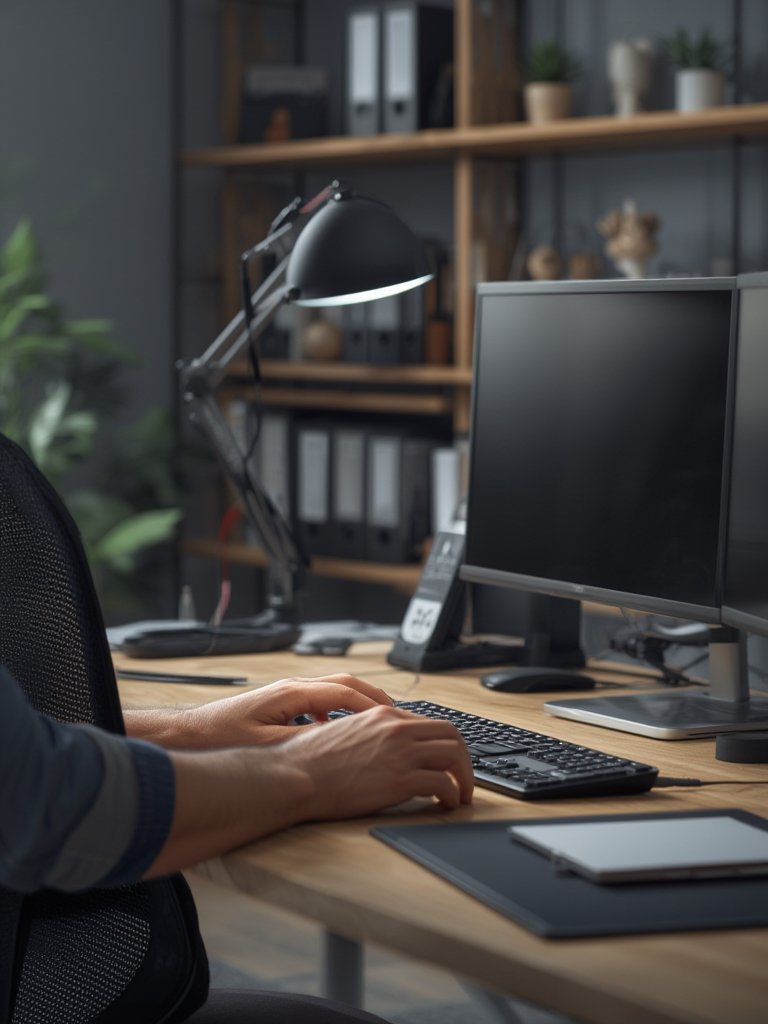
Want to declutter beyond your office? Our home organization & storage solutions guide offers step-by-step help for staying tidy across your whole home.
Advanced Analysis and Common Pitfalls in Home Office Setups
The wrong home office setup can wreck productivity, mood, and even physical health. Here’s what actually goes wrong in real-world homes—plus some advanced insight you won’t find in most guides.
Pain Points Real Users Report
- Discomfort: Hours of poor posture in basic chairs or hunched at kitchen counters lead to neck, back, and wrist pain. No amount of high-tech gear can compensate for ignoring ergonomics.
- Productivity Drop-Off: Cluttered workspaces, household distractions, and poor separation between “home” and “work” environments crush focus and energy.
- Lighting Glare and Fatigue: Too-bright or wrongly-placed lamps cause headaches or make reading screens exhausting over time.
- Technology Frustrations: Unreliable Wi-Fi, poor camera angles for video meetings, and constant cord clutter eat away at motivation.
- Lack of Routine: Without boundaries and habits (like scheduled breaks or a dedicated shutdown ritual), work tends to leak into personal time, increasing burnout risk.
Comparison Table: Home Office Basics vs. Ergonomic Upgrades
| Feature | Standard Setup | Ergonomic Upgrade |
|---|---|---|
| Chair | Dining chair, static height | Adjustable, lumbar support, certified (BIFMA/GREENGUARD) |
| Desk | Any flat surface | Sit-stand, cable management, rounded edges |
| Monitor Position | Laptop on desk | External monitor on arm, eye-level |
| Lighting | Overhead light only | Desk lamp, adjustable brightness, warm tone |
| Other Features | Clutter, untested products | Personal items, plants, noise reduction |
What Gets Overlooked in Most Articles?
- Furniture Certifications Matter: Look for BIFMA and GREENGUARD certifications on chairs and desks—even simple models with these labels tend to last longer and emit fewer chemicals, improving air quality in your workspace.
- Routine is as Powerful as Hardware: The best setup fails if you don’t maintain “start” and “stop” rituals and frequent physical movement—few guides stress this enough.
- Personal Sensory Comfort: Beyond ergonomics, control sound, temperature, and even scent. Noise-masking audio or a small desktop fountain may help you focus when the rest of the house is active. DIYers can find more inspiration in DIY Home Decor Ideas.
Is It Worth the Cost?
With limited hard data on 2024 costs, many find solid ergonomic basics starting under $500—for a desk, adjustable chair, and monitor arm. Pricey upgrades (like electric sit-stand desks or designer chairs) deliver diminishing returns if your work habits or space are inconsistent.
For energy efficiency and smart technology investment, also review Energy-Efficient Upgrades.
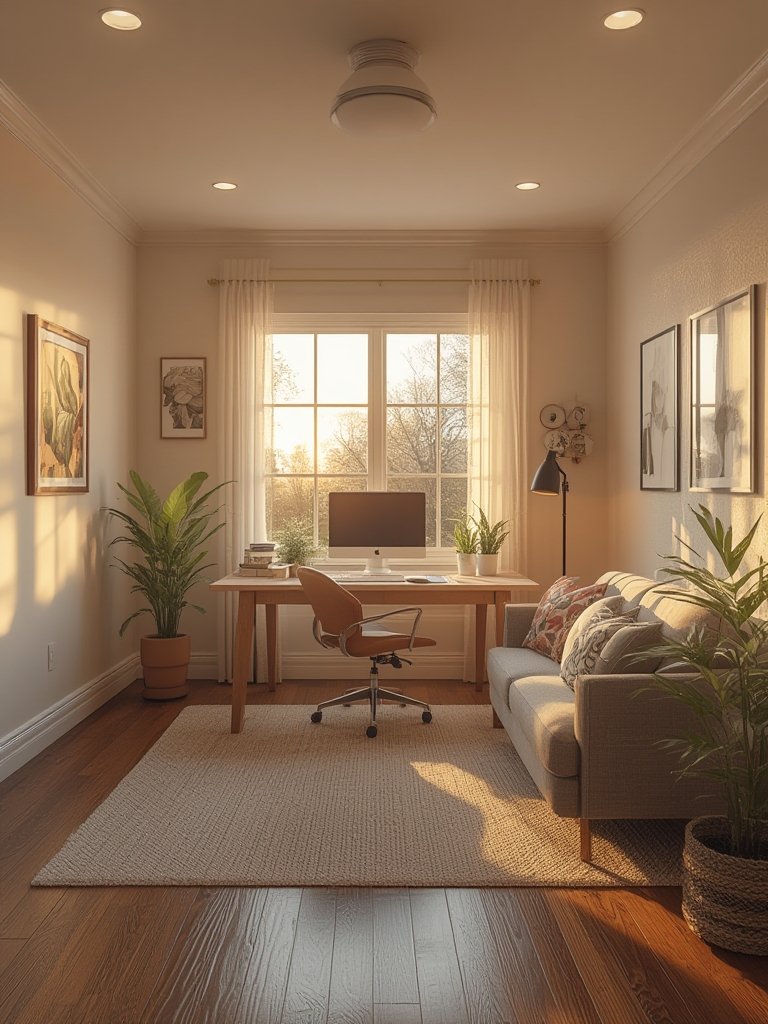
Conclusion: Making Your Home Office Setup Work for You
Anyone can create a functional home office setup—no matter your starting budget or square footage. Focus on a comfortable chair, a sturdy desk, thoughtful lighting, and simple routines. Certified ergonomic furniture and smart sound or clutter controls will multiply your results. Don’t fall for overhyped solutions: let your unique work habits and space needs drive your priorities. Start simple, adjust as needed, and revisit your home office setup every few months as your needs change. Want an in-depth, room-by-room upgrade checklist? Check out our full expert guide to home office setup.
Home Office Setup FAQ
What is the minimum required for a good home office setup?
A sturdy desk, an adjustable ergonomic chair, adequate lighting, and reliable Wi-Fi are essential. Adding a monitor arm and a comfortable keyboard is highly recommended if you work full time.
Does all home office furniture need to be certified?
No, but certifications like BIFMA or GREENGUARD mean stronger build, proven durability, and lower chemical emissions. They’re a good sign for long-term investment.
How do I keep my home office setup organized in a small space?
Declutter daily, use wall-mounted storage, and consider multi-purpose desks or fold-away workstations. A rolling cart can turn any room into a part-time office when needed.
How often should I adjust my workspace?
Review your setup every few months, or sooner if you notice pain or fatigue. Small tweaks (like monitor placement or chair height) can make a big difference over time.
Is it worth investing in standing desks or monitor arms?
If you spend 6+ hours per day working, sit-stand desks and monitor arms reduce discomfort from static posture—but the benefits depend on how consistently you use them, not just owning them.
—