

Smart home devices are changing how we manage comfort, security, and efficiency at home. In 2024, millions have jumped in—but many still struggle with real-world challenges, hidden costs, and confusing connectivity issues. If you want your smart home to work simply and reliably, this practical guide will help you make smarter choices—before you spend another dollar.
Key Takeaways
- Compatibility, Wi-Fi, and ongoing subscription fees are the main smart home pain points.
- Energy savings are possible, but upfront and hidden costs add up—comparison is essential.
- Privacy and security risks rise with more devices, so future-proofing with the right ecosystem is critical.
- 1. What Are Smart Home Devices and Why Do They Matter?
- 2. How to Choose, Set Up, and Get the Most From Smart Home Devices
- 3. Advanced Analysis & Common Pitfalls Most Guides Ignore
- 4. Conclusion
- 5. FAQ
What Are Smart Home Devices and Why Do They Matter?
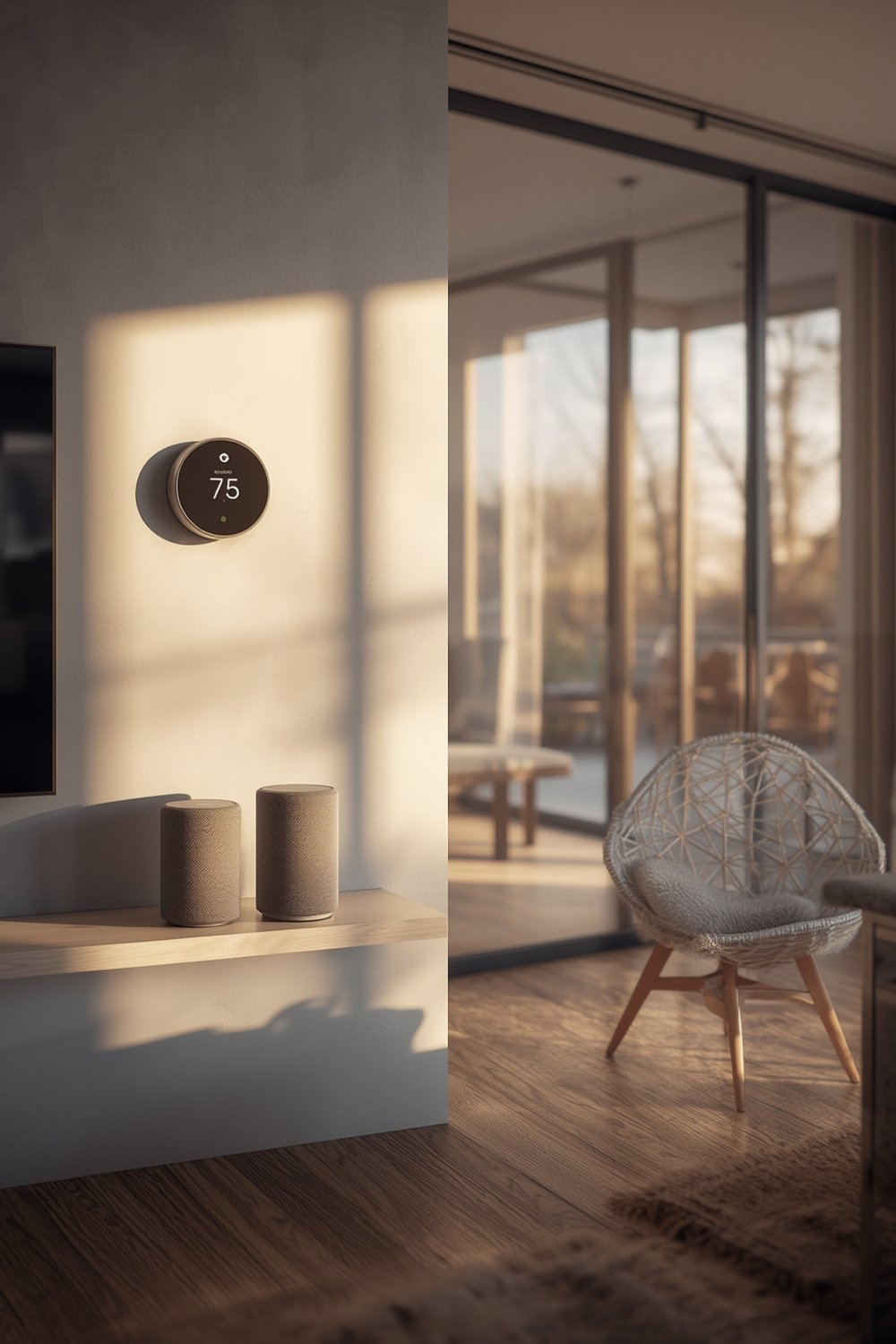
Smart home devices automate daily tasks—think lighting, thermostats, security cameras, door locks, and appliances. They connect to Wi-Fi or Bluetooth, letting you monitor and control them remotely or with voice commands. In 2024, the global market reached USD 154.4 billion and keeps growing. Smart devices offer time savings, energy efficiency, and security, but their true impact comes when systems work together—making your home safer, more efficient, and more comfortable.
Consumer adoption is rapidly increasing. In the US alone, over 69.91 million households use smart devices, and 93% of Americans own at least one. Households are attracted by the convenience, potential energy savings, and modern security features, but run into hidden snags—from subscriptions to privacy risks.
To truly benefit, you need more than just buying the latest gadget: it’s all about choosing wisely, planning your setup, and avoiding the mistakes that frustrate so many new users. For more home improvement inspiration, see Ultimate Smart Home Improvement Ideas to Upgrade Your Living Space.
How to Choose, Set Up, and Get the Most From Smart Home Devices
Making the most of your smart home setup requires a plan. Follow these steps to get the tech that fits your life and works reliably.
Step 1: Research Compatibility and Ecosystem
Avoid mismatched devices. Decide on a main platform (Amazon Alexa, Google Home, Apple HomeKit, or Samsung SmartThings) and make sure any gadget you buy is certified to work with it. Mixed brands can cause unreliable automation, voice command failures, or delays.
For more on picking future-ready devices, see our Smart Home Devices: 7 Best Ways To Future-Proof Your Home.
Step 2: Compare Upfront Costs and Ongoing Fees
Initial costs for Smart Thermostats, cameras, or lighting can run from $30 to $300+ each, depending on features. Watch for hidden monthly fees—many security cameras, alarms, and smart assistant services charge $3–$30 per month for cloud storage or advanced automations. Not all savings are up front—you might save more in the long run with higher-quality devices and no required subscriptions.
Step 3: Strengthen Your Wi-Fi and Network
Weak Wi-Fi is the top cause of slow response, lost video feeds, and failed automations. Place your router centrally, upgrade to a mesh system if you have a large home, and always secure your network with a strong password. Cheap extenders help, but mesh is simplest for multiple devices.
Step 4: Set Up Security and Privacy Measures
Every new device is another entry point for hackers. Buy from brands that offer regular security updates and support. Immediately change factory default passwords. Activate two-factor authentication for accounts. Turn off remote access or voice assistant features not in use. For more security advice, read Smart Security Cameras: 7 Best Ways to Secure Your Home.
Step 5: Automate Carefully and Test Real-World Response
Once set up, test automations regularly. Does your smart lock actually trigger your lights every time? Does the thermostat respond quickly? If a device is flaky, restart, update firmware, and check compatibility with your platform.
Add home automation systems gradually—integrate lighting, security, climate controls, and voice assistants one at a time. Consider energy-saving devices like smart thermostats and bulbs, which offer long-term ROI and can help reduce utility bills (explore Energy-Efficient Upgrades: 7 Amazing Ways to Maximize Savings).
Step 6: Track, Adjust, and Maintain Regularly
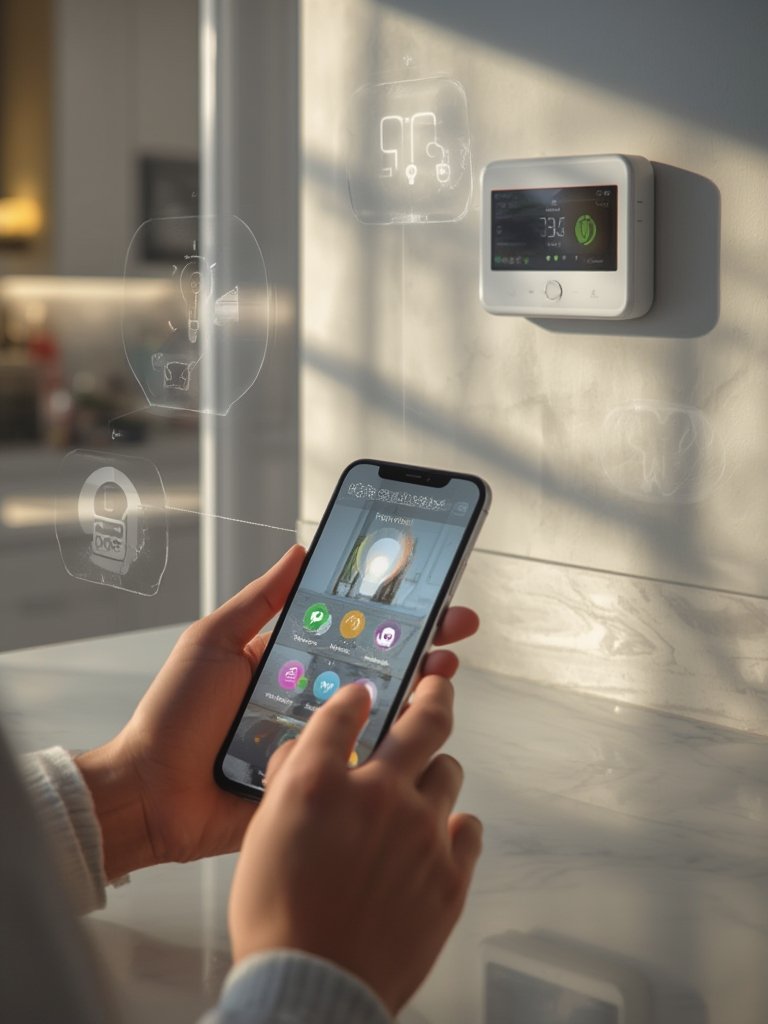
Check device performance with your platform app or dashboard. Look for new firmware updates. Review usage and note where automations fail. Don’t forget: batteries need replacing, and some devices lose connection over time, especially if you change your Wi-Fi password.
Finally, back up configurations whenever possible. If your account or app resets, recovery is faster. For more real-world setup stories and solutions, visit Smart Home Devices: 7 Best Ways to Optimize Security and Energy.
Advanced Analysis & Common Pitfalls Most Guides Ignore
Even with planning, most new users face the same snags—cost surprises, unreliable connectivity, privacy concerns, and automation headaches. Here’s what the research shows (and what sales pages rarely mention):
Frequent Pitfalls to Avoid
- Many devices from different brands won’t fully integrate, causing routine failures and repeated troubleshooting. Mixed smart bulbs, for example, may require separate apps.
- Upfront costs multiply quickly when you build out a whole-home setup—especially if you expect advanced features or include cameras and smart security. Many are surprised by required subscriptions for video storage or advanced automations.
- Streaming video, voice, or automations can lag or fail if Wi-Fi coverage is weak or too many devices compete for bandwidth.
- Security and privacy risks rise with every device added. Many forget to change default passwords or don’t update firmware, exposing their network to attackers.
- Technical specs for compatibility—protocols like Zigbee, Z-Wave, or Matter—aren’t always obvious on packaging, but make the difference between a seamless home and a daily headache.
Cost & Savings Table: What to Expect (Estimated Ranges)
| Device/Platform | Upfront Cost (USD) | Monthly Subscription | Potential Yearly Savings | Major Downsides |
|---|---|---|---|---|
| Smart Thermostat | $100–$250 | None/Optional ($5–$15 for advanced features) | $50–$150 (energy) | Complex setup, may not fit all HVAC systems |
| Smart Speaker/Hub (Echo, Nest Hub) | $30–$200 | None/Optional for music/storage | N/A | Privacy, collects voice data, platform lock-in |
| Security Camera | $50–$300+ | $3–$30 (video storage) | $0 (adds security, no direct savings) | Requires subscription, privacy concerns |
| Smart Bulbs/Lighting | $10–$50 per bulb | None | $10–$30 per year (energy) | Can require unique apps, compatibility limits |
| Full Ecosystem (starter kit) | $300–$1500+ | Varies | Up to $200/year (energy/security value) | Costs add up, may require new router/network |
Direct brand comparisons (Amazon Echo vs. Google Nest, etc.) are hard to find and not all reviewers agree. Real-world user complaints focus on compatibility, streaming reliability, hidden subscriptions, and limited lifespan if vendor support stops. For more actionable upgrade advice, check Smart Home Devices: 7 Best Ways to Optimize Security and Energy and Smart Home Devices: 7 Amazing Ways to Upgrade Your Home (Proven Guide).
Security and Privacy in Practice
Every new device expands potential attack surfaces. Video doorbells, cameras, and smart TVs are often targets for cyberattacks, especially with default passwords left unchanged. While vendors like Samsung and Google offer regular updates, unsupported or cheap brands may not. Always check device update history and support promises before buying.
For more on common challenges and proven upgrades, visit Smart Home Devices: 7 Amazing Ways to Boost Security (Proven Guide) or Smart Home Devices: 7 Best Ways To Future-Proof Your Home.

Conclusion
In 2024, smart home devices offer real ways to increase comfort, security, and energy efficiency—but they come with practical downsides. Choosing compatible devices, strong Wi-Fi, and a clear security plan makes the difference between a smooth smart living experience and a frustrating money pit. Always compare total ownership costs—not just upfront prices. If you want personalized upgrade plans or step-by-step advice, start exploring smart home solutions that fit your needs.
Ready to make the most of smart home devices? Review your current setup, avoid expensive mistakes, and upgrade with confidence.
FAQ
Do smart home devices always save money?
No. Some devices like smart thermostats and lights can lower your utility bills, but most require upfront investment. Savings depend on automation quality and consistent use. Always weigh purchase price against potential yearly savings.
Are all smart home devices secure?
No device is 100% secure. Choose brands with a regular update track record, change default passwords, and use strong Wi-Fi security. Avoid unsupported or off-brand devices for critical uses like cameras or locks.
Can I mix brands and platforms?
Yes, but it often leads to compatibility problems and unreliable automations. For a seamless experience, stick with one main platform and choose devices certified for it (e.g., “Works with Alexa” or “Matter Certified”).
What is the biggest headache for new users?
Unstable Wi-Fi, device interoperability issues, and surprise subscription fees are the most common complaints among new users. Test one device at a time and expand slowly.
Will my smart devices work in the future?
Future-proofing depends on buying devices with regular software updates and support for new protocols like Matter or Thread. Avoid niche or unsupported products if long-term use is important.
—