

Smart home devices are transforming how we live, bringing automation, security, and energy savings into everyday life. But as these technologies spread to millions of households worldwide, it’s vital to understand not just their promises but the very real challenges they present—including cost, privacy, and compatibility.
Key Takeaways
- Smart home device adoption is skyrocketing, but issues like data privacy, cost, and interoperability remain top concerns for users.
- Security and access control are leading market segments, while compatibility gaps and rural accessibility need more attention.
- Practical setup and management strategies can save you money, boost security, and help avoid common pitfalls.
- The Core Concept of Smart Home Devices
- How to Set Up Smart Home Devices: Step-by-Step Guide
- Advanced Analysis & Common Pitfalls
- Conclusion
- Frequently Asked Questions
The Core Concept of Smart Home Devices
Smart home devices automate and centralize control of your home’s functions—like lighting, security, temperature, and energy use—through connected technology. They offer hands-free convenience, real-time monitoring, and often integrate with your existing routines. Driven by explosive market growth—like the USD 183.69 billion global value in 2024—the adoption of these devices is growing worldwide.source North America and the US lead in installation rates, but connectivity concerns, cost barriers, and privacy questions remain common sticky points.
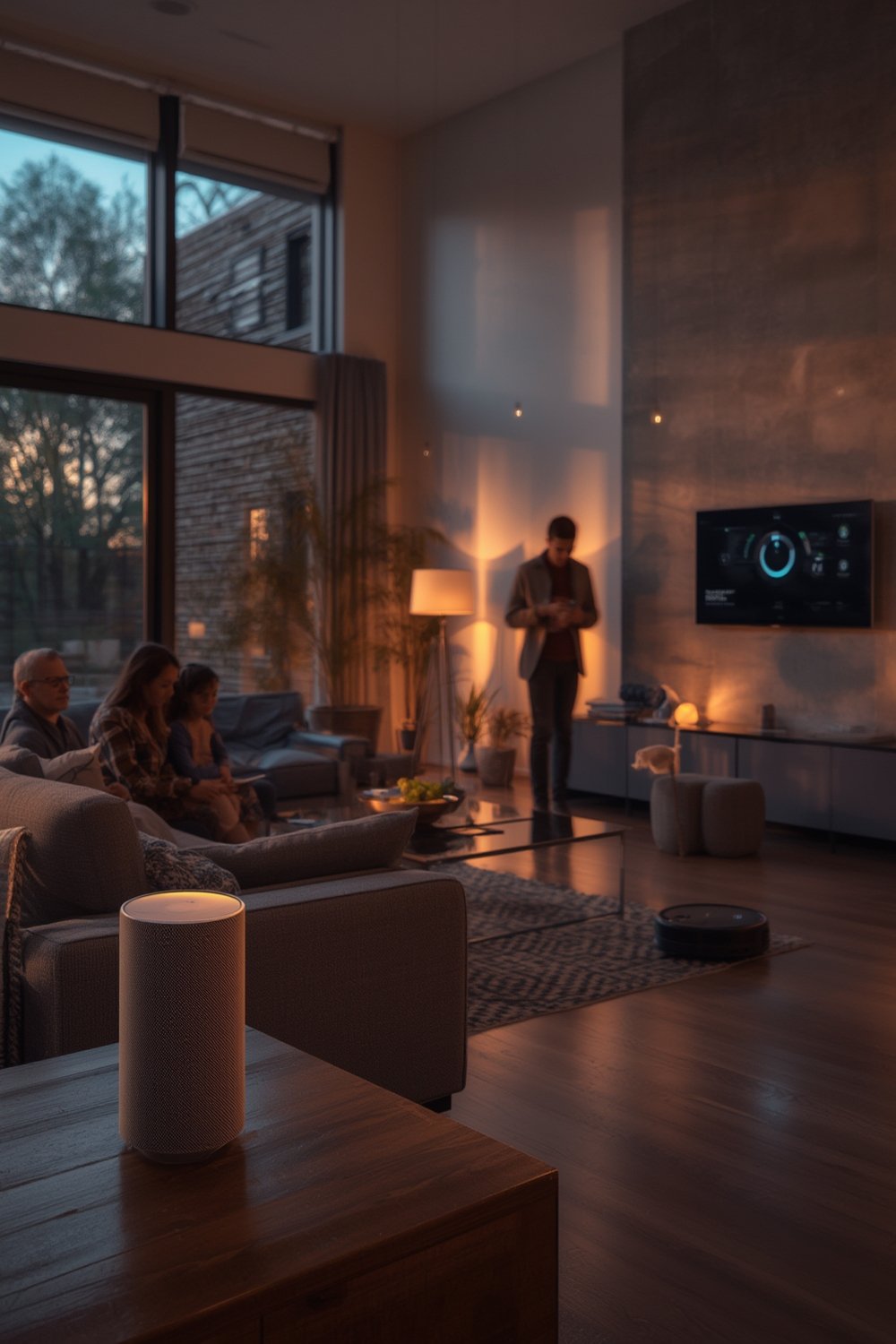
Smart home devices cover a wide variety—think smart thermostats, lighting, doorbells, security cameras, and even appliances. Their popularity has driven more homes to upgrade and embrace what some call “smart living.” But installation, maintenance, and device compatibility aren’t as seamless as the glossy ads might suggest. Security regulations, privacy laws, and even internet speeds are evolving to keep pace with mainstream adoption.
For more inspiration on upgrading your living space, see Ultimate Smart Home Improvement Ideas to Upgrade Your Living Space for device suggestions and design ideas.
How to Set Up Smart Home Devices: Step-by-Step Guide
Ready to get started? Here’s how to plan, install, and optimize smart home devices for any three-bedroom home, with a realistic focus on saving money, maximizing functionality, and avoiding common headaches.
-
Assess Your Needs and Set Priorities
Decide which areas matter most: security, energy efficiency, convenience, or entertainment? Start with a foundational device (like a smart speaker or hub) that offers voice control and broad compatibility (Google Assistant, Amazon Alexa, or Apple HomeKit).
-
Audit Your Wi-Fi and Connectivity
Smart devices rely on a stable, secure network. Run a speed test, analyze your router’s placement, and consider a mesh network if your home is larger or has dead spots. Rural and multi-story homes benefit most from mesh setups.
-
Start Small, Then Expand
Install one or two critical devices first—like a smart thermostat or video doorbell. Make sure they’re compatible with your chosen hub or voice assistant.
-
Plan Your Device Ecosystem
Stick to devices that share common protocols (like Matter, Zigbee, or Z-Wave) to avoid headaches. Note that hybrid protocols help combine wired and wireless, reducing Wi-Fi congestion.source
-
Set Up Security and Privacy Controls Early
Configure device passwords, change default usernames, and opt out of unnecessary data sharing. Always enable two-factor authentication and regular software updates.
-
Automate for Maximum Benefit
Use scenes, routines, or schedules for daily activities—like setting lights to turn off at bedtime or adjusting the thermostat when you leave for work. This saves energy and boosts convenience.
-
Budget for the Full Cost
Expect to invest about $1,200 upfront for core devices and installation.source Don’t forget additional costs like subscriptions (for cloud video storage) and future device replacements.
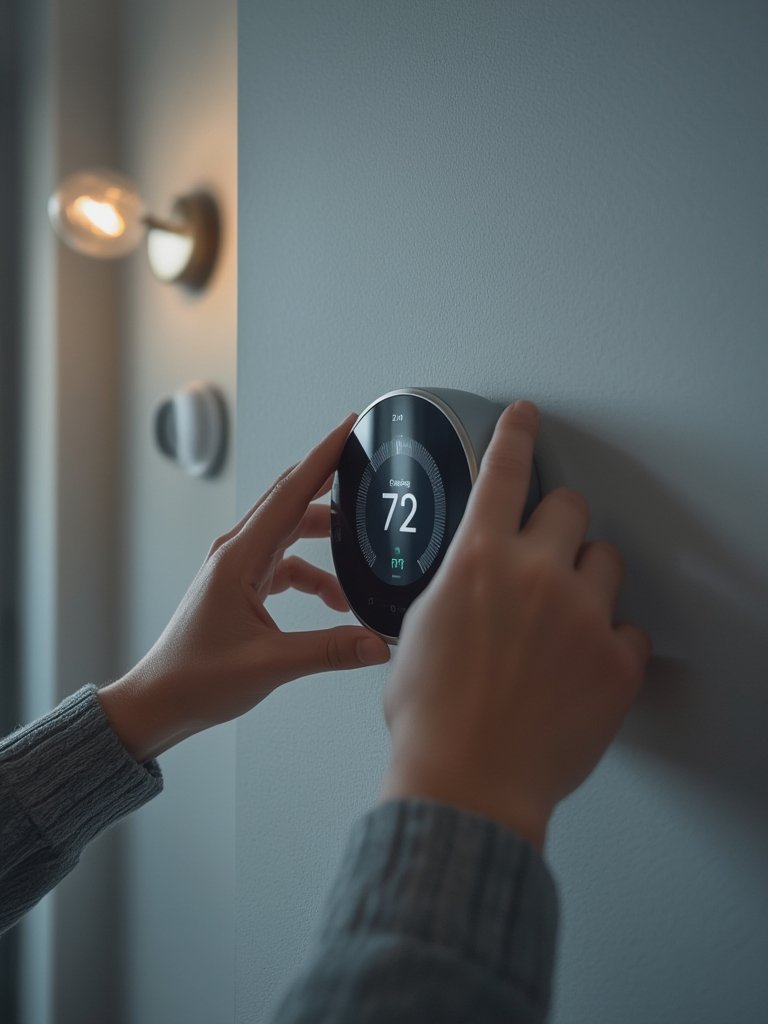
For energy-saving setups and smart scheduling ideas, see Smart Home Devices: 7 Amazing Ways To Save Energy (Proven Guide).
Advanced Analysis & Common Pitfalls
While the advantages are clear, many users hit unexpected snags. Here’s what you’re likely to encounter—and how to sidestep these common smart home pitfalls:
- Data Privacy & Security Risks: Over half of Americans worry about personal data misuse, hacking threats, or devices recording without notice.source Always check device privacy features before purchase.
- High Upfront and Hidden Costs: The average installation runs about $1,173, but hidden costs like subscriptions and device replacements can quickly add up.
- Connectivity Issues: 50% of users face interrupted connections or failed automations. Poor Wi-Fi, interference, or protocol mismatches are frequent causes.
- Compatibility Confusion: Not all brands play nice. Devices on competing platforms like Apple, Google, or Amazon aren’t always cross-compatible, leading to frustration and added costs down the road.
- Limited Rural Adoption: Most data focus on urban markets; rural users may struggle with broadband access and reliable installations.
- Lack of Measurable ROI: While energy savings and efficiency are common reasons to buy, most users don’t see an immediate dollar return or insurance premium drop—yet.
| Issue | % of US Users Affected | Typical Solution |
|---|---|---|
| Connectivity Problems | 50%+ | Upgrade Wi-Fi, use mesh systems, stick to one ecosystem |
| Data Privacy Concerns | 57% | Change default passwords, regularly update firmware, check privacy settings |
| Device Cost Worries | 67% | Start small, budget recurring fees, research before buying |
| Compatibility Issues | ~40% | Check protocol support, use hybrid systems, avoid niche brands |
Security and access control devices—like smart locks and alarms—now dominate over 28% of the market.source New standards like Matter and hybrid protocol setups are making it easier to connect devices, but most high-ranking articles gloss over real-world frustration with interoperability—especially in homes mixing older and new tech.
To keep your space organized, see Dapibus Ultrices Iaculis Nunc Sedaugue Lacus Viverra Bitae for expert home management tactics.

Conclusion
Smart home devices promise convenience, safety, and efficiency—but they’re not a magic fix. To get the most from your investment, plan your system for compatibility, stay vigilant about security, and understand the long-term costs. Start simple, automate routines that matter, and review your privacy settings often. For more ideas and ways to increase your home’s comfort and value, explore Aliquet Lectus Proin Nibhnisl Condimentum Dvenenatis Condimentum or visit Sed Vulputate Odiout Enimblandit Volutpat Maecenas. Ready to build your own smart home? Start evaluating smart home devices today and future-proof your living space.
Frequently Asked Questions
What are the most popular types of smart home devices?
Smart thermostats, smart speakers, security cameras, video doorbells, and smart lighting are the most widely used. They automate daily routines and boost security.
How much does it cost to fully equip a three-bedroom home with smart devices?
Average initial costs are around $1,200, including key devices and installation. Ongoing subscription fees for storage or monitoring may add $10–$30 per month.
Are smart home devices secure from hackers?
Most leading brands provide solid security, but risks exist. Use unique passwords, enable two-factor authentication, and check for regular firmware updates to reduce your vulnerability.
What if my Wi-Fi is unreliable or my home is in a rural area?
Use mesh Wi-Fi systems to cover dead spots. In areas with weak broadband, start small with offline-capable devices or those using hybrid protocols (like Zigbee or Z-Wave).
Can all smart home devices work together regardless of brand?
Not always. Compatibility depends on shared protocols (Matter, Zigbee, etc.). Check device specs and consider using a universal hub to blend ecosystems where possible.