

Home office setup is not a luxury anymore—it’s a necessity for millions of remote workers worldwide. With flexible work now the norm, creating a practical, comfortable, and productive home office setup is one of the smartest improvements you can make in 2024. This guide gives you actionable steps, real-world stats, and no-nonsense advice for building your ideal workspace at home.
Key Takeaways
- Remote work is at an all-time high—over 28% of the global workforce now works remotely, and most want to continue or increase remote days at home.
- Ideal home office setups prioritize ergonomics, productivity, and practicality, but most guides skip the real challenges and hidden costs.
- This guide breaks down what really matters, including step-by-step setup, real pain points, pitfalls, and expert-level tips you won’t find elsewhere.
- What Makes a Great Home Office Setup?
- Actionable Steps: Build the Ultimate Home Office Setup
- Advanced Analysis & Common Pitfalls
- Conclusion
- FAQ
What Makes a Great Home Office Setup?
The foundation of a great home office setup is comfort, productivity, and personalization—matched to your daily workflow. More than just a desk or a chair, your setup affects your focus, long-term health, and ability to get work done efficiently. As remote work becomes standard in the US, UK, and globally, structured home workspaces are increasingly critical for both career success and mental wellness. Stats show:
- 91% of employees worldwide prefer fully or mostly remote work (source).
- Hybrid is common: 41% prefer hybrid, with 34–36% working at least two days from home (source).
- Remote work boosts productivity by 13% and satisfaction levels, but only if your home office is set up right (source).
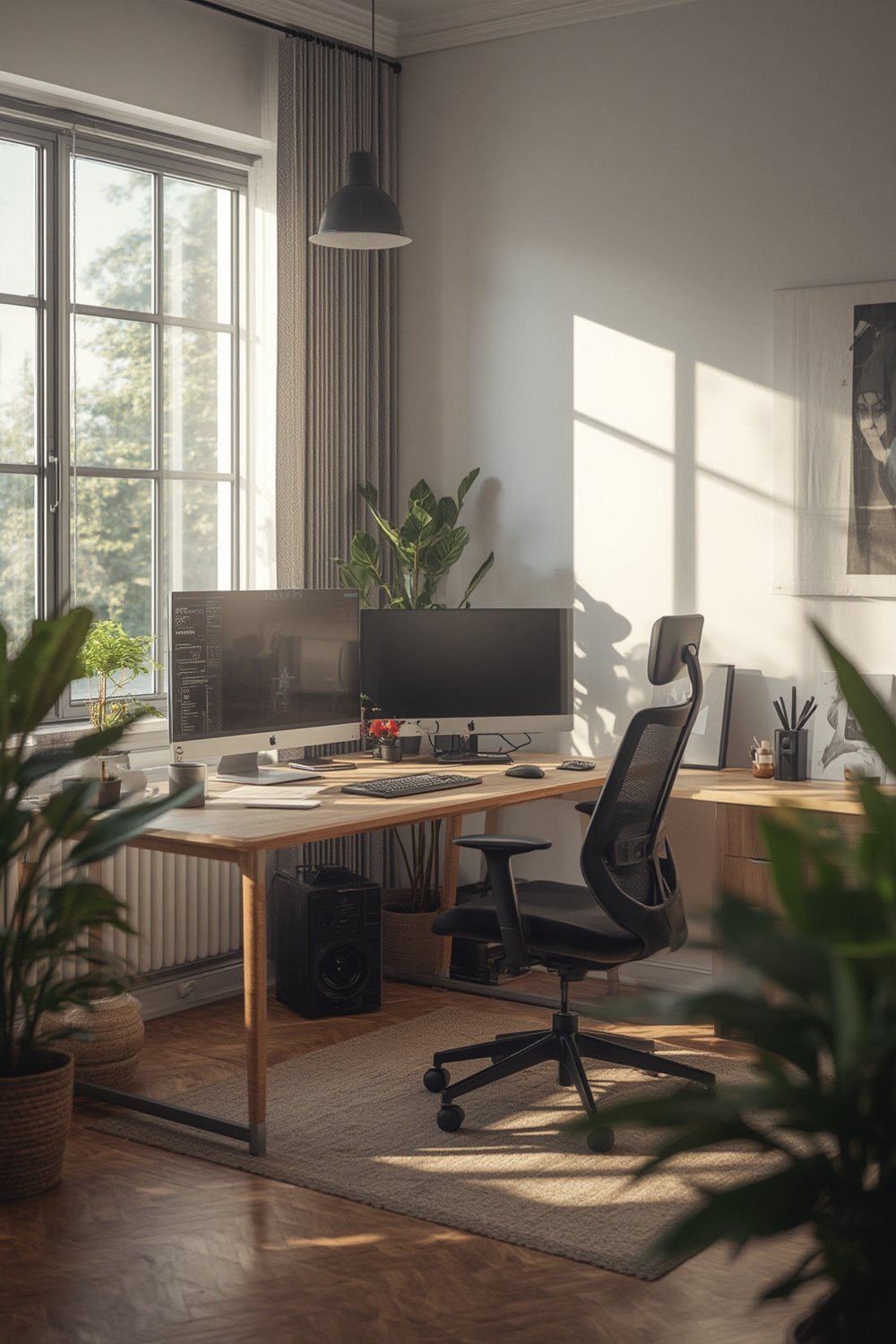
Your office should support your job requirements, energy levels, and space realities, even if you’re working from a shared nook or a private room. Ergonomics—the science of fitting work to people, not the other way round—is your main ally. Skipping ergonomics and workspace planning leads to discomfort, injury risk, and lower output.
It’s easy to be distracted by ‘Instagrammable’ setups or spend big on the wrong chair. Instead, anchor your decisions in daily needs, evidence, and achievable changes.
Actionable Steps: Build the Ultimate Home Office Setup
-
Pick the right location
Avoid high-traffic, noisy areas. If possible, dedicate a room with a door. For small apartments, claim a consistent corner with privacy screens or shelving as a divider. Consistency signals your brain when it’s time to work. -
Ensure ergonomic basics
Even without access to scientific studies on which furniture does what, proven ergonomic principles matter: neutral posture, feet flat, elbows at 90 degrees, monitor at eye level. Adjust your existing furniture where you can. Consider a standing desk converter if a full desk is out of budget. -
Invest smartly based on your budget
Price matters, but you don’t have to splurge for comfort. Prioritize a supportive chair and adjustable desk. For entry-level setups, adapt what you own by adding a footrest, monitor riser, or an external keyboard. Higher-end? Go for true ergonomic chairs with adjustable arms and lumbar support. -
Organize for workflow and minimal distractions
Use storage bins or wall-mounted organizers to keep clutter away. Embrace cable management to reduce visual mess. Add task lighting—natural light is best, but daylight lamps are the next alternative. -
Add smart home tools (optional but powerful)
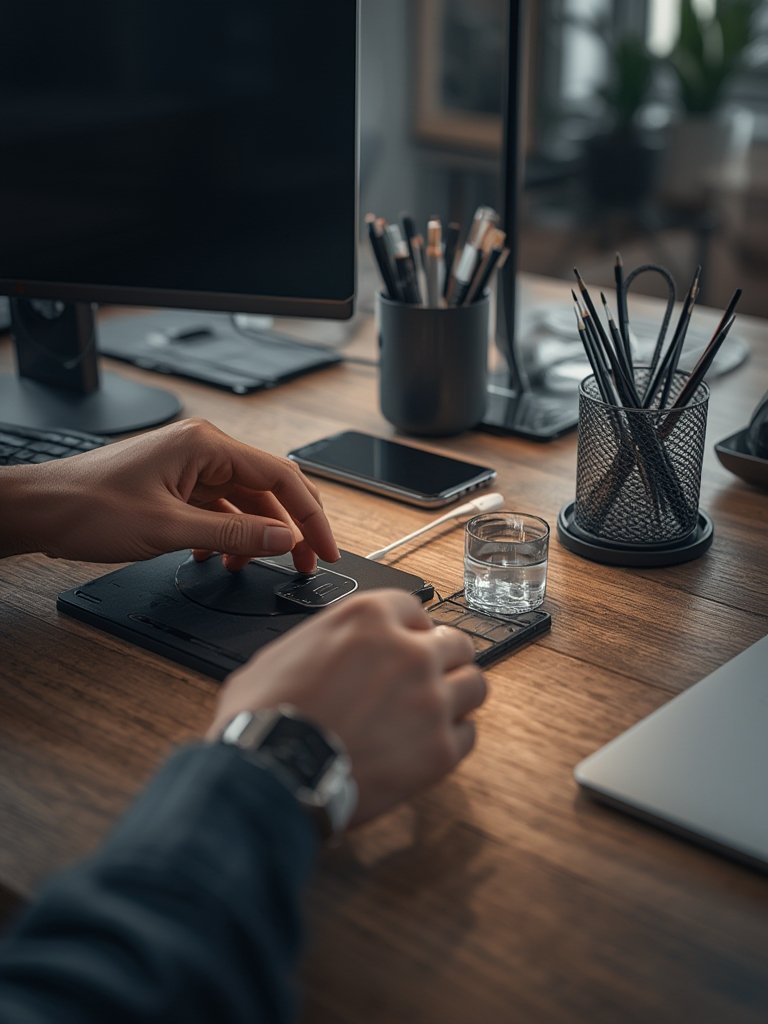
Consider smart lighting, noise-canceling speakers, or routine-automation tools to reduce manual distractions. For deeper upgrades, see these smart home improvement ideas.
-
Personalize for your role
Coders: Larger monitors or dual screens, wrist support.
Writers: Tactile keyboard, noise dampening, focused lighting.
Designers: Color-accurate display, flexible desk space for larger devices. -
Double-check tech essentials
Stable high-speed internet, surge-protected outlets, good webcam/microphone, secure Wi-Fi. If you’re upgrading, see storage and organization tips here. -
Build in healthy routines
Dedicate space for standing/stretch breaks. Simple additions like an anti-fatigue mat or timer app help keep you moving and boost energy.
For more ways to automate and upgrade your workspace further, explore the latest modular furniture solutions or browse these advanced energy-efficient home upgrades for productivity and health.
Advanced Analysis & Common Pitfalls
Despite slick photos online, most remote workers struggle with the same core home office pain points. While there’s surprisingly little scientific data about specific ergonomic furniture impacts, real-world complaints and risks are clear:
- Poor ergonomics (desk too high/low, no lumbar support) often result in back/neck/wrist pain
- Distraction from household noise, chores, or lack of door separation
- Hidden tech costs—unexpected Wi-Fi upgrades, replacement of poor-quality chairs, extra lighting or surge protection buys
- Mismatched furniture budgets—some overspend on unnecessary gear; others underinvest, leading to chronic discomfort
- Lack of organizational systems, making productivity drop as clutter piles up
- US data suggests more remote days than average worldwide, so setups need to hold up long-term
| Common Pitfall | Impact | How to Avoid |
|---|---|---|
| Improvised seating (dining chair, couch) | Pain, long-term injury | Prioritize an office-style chair, even used |
| Unstable desks (wobbles, too small) | Fatigue, poor posture | Add stabilizers, desk pads, or invest in a stable model |
| Overlooking lighting | Eye strain, headaches | Layer natural and task lighting, reduce glare |
| No defined workspace | Constant distractions, burnout | Carve out and visually define your workspace |
| Ignoring tech needs | Disruptions, lost productivity | Audit your equipment before remote shifts |
| Failing to organize cables/supplies | Clutter, loss of focus | Use bins, cable clips, or wall organizers |
Surprisingly, there are no official home office-specific standards from OSHA or ISO. Still, following traditional office ergonomic guidelines is wise. For multi-purpose or very small setups, modular furniture—such as multi-purpose furniture systems—is worth considering to boost flexibility without sacrificing comfort.
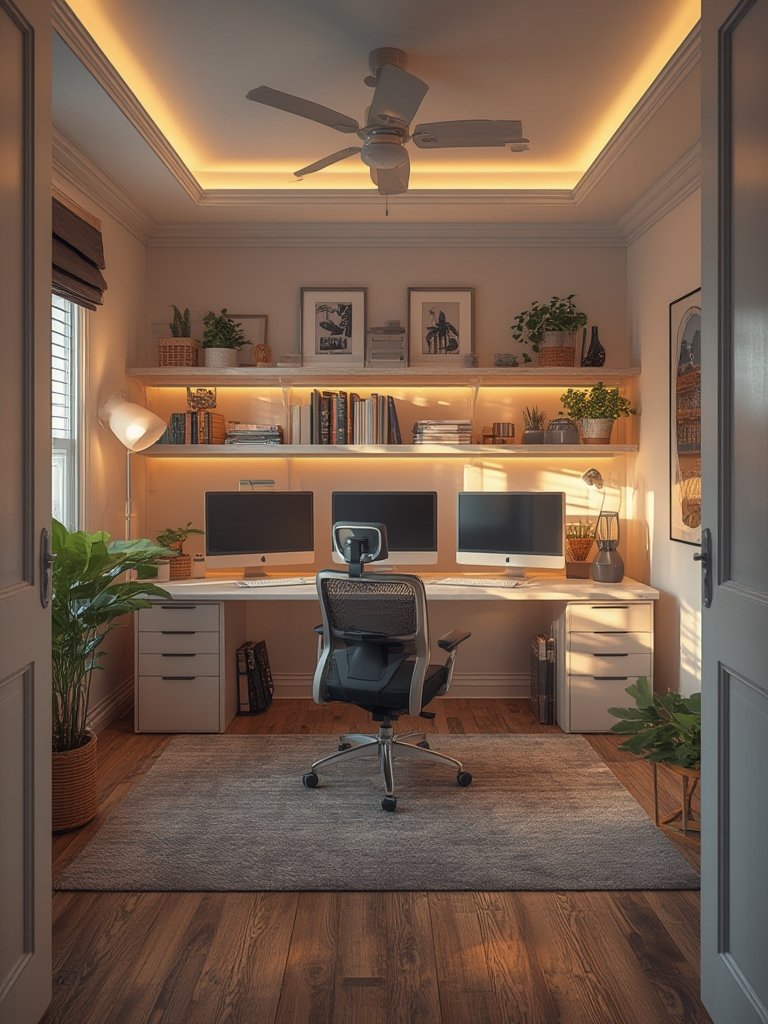
Resourceful upgrades (like using eco-friendly paints for improved air quality—see this guide) can minimize health risks in small, sealed spaces.
Conclusion
A successful home office setup blends comfort, focus, efficiency, and personalization—aligned to your specific role, space, and needs. Most workers thrive with remote or hybrid work, but only when their environments are truly set up for it. Don’t ignore ergonomic fundamentals; adapt where you can and invest where it counts. For more inspiration, upgrade tips, or to transform other parts of your living and working space, explore our guides, or start building your home office setup step-by-step today. Ready to take your workspace to the next level? Act now—your productivity depends on it.
FAQ
What is the most important part of a home office setup?
A supportive, adjustable chair and a desk at the right height for your body are critical. Prioritize ergonomics first, then lighting and organization.
How much should I budget for a basic ergonomic home office?
For entry-level setups, expect to spend $200–$400 for a good chair, desk (or converter), and lighting. Some hacks can reduce costs, but don’t skip essentials.
What are common home office mistakes to avoid?
Using non-ergonomic seating, ignoring lighting, overlooking clutter, and not clearly separating work from home spaces are top pitfalls that hurt productivity.
Can I set up a good home office in a very small space?
Yes. Use vertical space, modular furniture, foldable desks, and portable organizers to maximize workflows in small or shared rooms.
Are there official ergonomic guidelines for my home office?
No home office-specific OSHA standards exist, but adapting classic ergonomic workstation guidelines for seating, monitor placement, and keyboard use will help keep you healthy and productive.