

Home office setup is now essential for anyone working remotely or hybrid in 2024. Designing a comfortable, productive workspace at home is not as simple as ordering a desk and chair. Small details can have a big impact on your focus, health, and long-term wellbeing. In this no-nonsense guide, discover what’s actually working today, avoid costly mistakes, and set up a professional-grade home office for any space or budget.
Key Takeaways
- Over 80% of remote workers have some type of home office space—but many still work from bedrooms or couches, which impacts comfort and productivity.
- Ergonomic mistakes and overlooked design choices can cause physical strain and hamper efficiency, yet many solutions are straightforward and budget-friendly.
- Integrating smart home technology and customizing setups for your specific needs are missed opportunities in most popular home office advice.
- Home Office Setup: The Core Concept
- Step-by-Step Guide: Designing Your Best Home Office Setup
- Advanced Analysis & Common Pitfalls
- Conclusion
- FAQ
Home Office Setup: The Core Concept
Setting up a home office is more than picking a quiet corner. The right home office setup balances productivity, ergonomics, and personalization. Proper planning can improve focus, reduce aches, and make remote work sustainable in the long term.
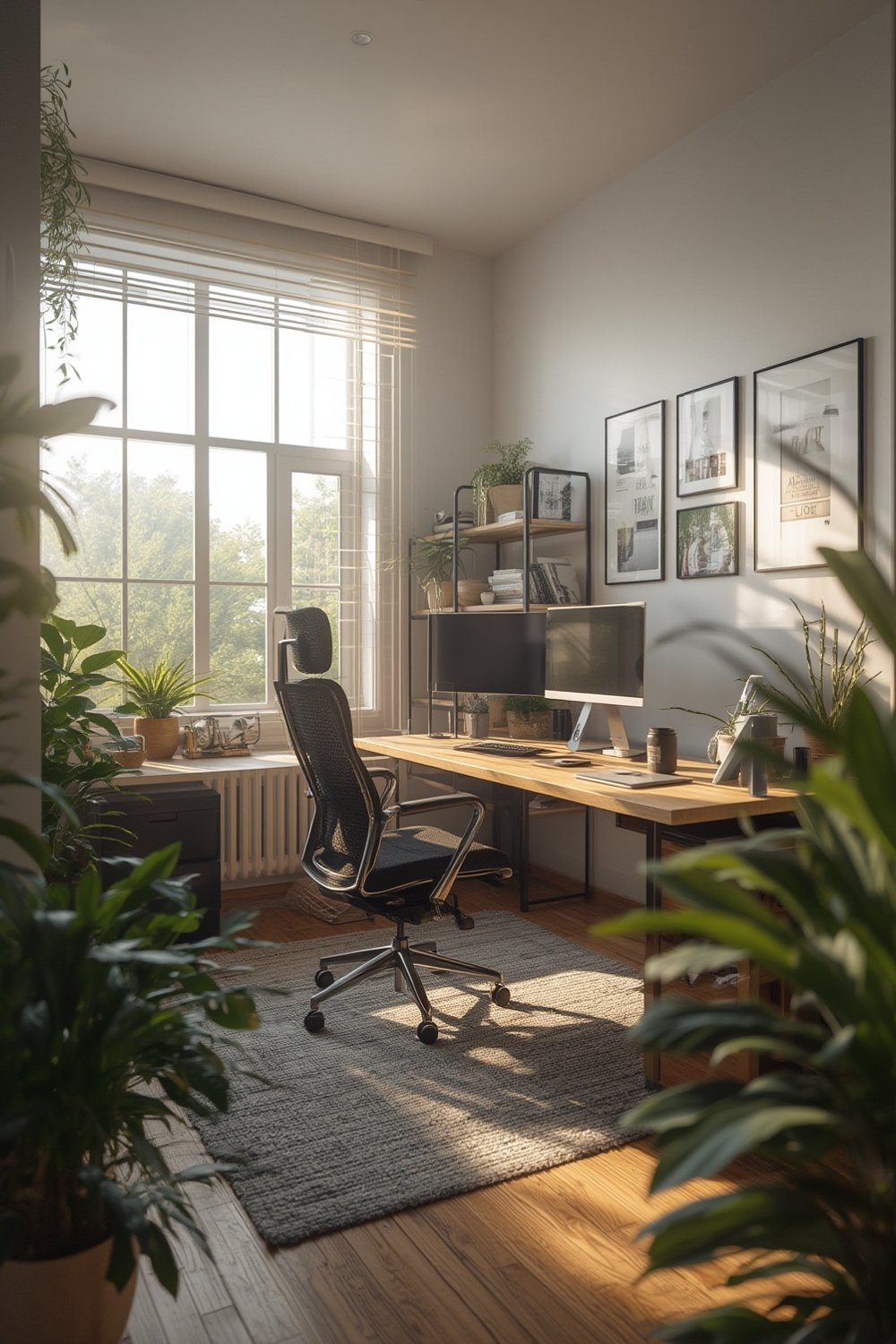
Recent data shows that 82% of remote workers have a dedicated space, but 21% still work out of bedrooms and 20% from couches. These informal setups often lead to discomfort and distractions. The goal is to create a zone that physically supports your body and mentally signals “work mode”—even if you have limited space.
But why bother optimizing? Research links poor workspace design to lost productivity and increased health complaints. While you won’t find many 2024 studies specifically connecting ergonomic furniture to output at home, long-standing workplace science agrees: your setup matters. A thoughtful home office setup pays off in fewer distractions, less physical pain, and better work-life balance.
If you want to take it even further, integrating smart home improvements—like smart lighting or climate controls—can make daily work smoother and more comfortable.
Step-by-Step Guide: Designing Your Best Home Office Setup
-
Analyze Your Space Needs
Take a critical look at your home. Choose a spot with minimal foot traffic, good lighting, and low noise—even if it’s just an unused corner or closet. Avoid bedrooms and living rooms if possible, as these increase distractions and reduce the work-life separation. -
Prioritize Ergonomic Office Furniture
Invest in a height-adjustable chair with proper lumbar support (your lower back will thank you). A sit-stand desk is ideal—but even a simple riser can bring monitors to eye level. Wrist rests, footrests, and adjustable monitor arms prevent subtle aches. Can’t budget for top brands? Look for secondhand deals or modular options for flexibility.💡 Pro Tip: When buying ergonomic chairs or desks, test adjustability in person if possible. Features matter more than brand—ensure it fits your height and body type.🔥 Hacks & Tricks: Use a stack of sturdy books or an inexpensive laptop riser if you can’t get an adjustable monitor stand right away. Repurpose a kitchen chair by adding a rolled-up towel or small pillow for lumbar support in the interim. -
Maximize Lighting and Reduce Eye Strain
Natural lighting is ideal. If you can, face your desk toward a window (but not with the screen in direct sunlight). Add an adjustable desk lamp with a color temperature between 4000K and 5000K for a daylight effect. Avoid harsh overhead lights or glare. -
Plan Power, Storage, and Cable Management
Dedicate a power strip with surge protection. Secure cables with clips or under-desk trays. Add shelving or a small file cabinet to keep clutter off your main surface—unused vertical wall space is perfect for shelves or pegboards.
-
Consider Sound and Distractions
If noise is an issue, add a white noise machine, sound-absorbing wall panels, or even thick curtains. Noise-canceling headphones are a worthwhile splurge in shared spaces. -
Upgrade with Smart Home Devices
Automate lighting, plug-ins, or your thermostat using affordable smart lighting technology. Motion sensors can trigger lights only when you enter, while a smart thermostat keeps your space comfortable all day.
For deeper integration, see these modular furniture ideas or discover more about storage upgrades for tight spaces.
Customization matters. Adjust your layout and furniture heights as your needs evolve, especially if more than one person works from home. Invest steadily as your workflow and budget allow.
Advanced Analysis & Common Pitfalls
Even with the best intentions, many remote workers stumble into costly mistakes when designing their home office setup. Here’s what research and real-world reports reveal:
- Using Non-Dedicated Spaces: 21% of remote workers still work from their bedrooms and another 20% from couches, often for convenience. This undermines both comfort and focus. (See source.)
- Skipping Ergonomics: Hard kitchen chairs and low coffee tables may seem fine at first, but they’re a recipe for lower back pain and wrist strain. There’s little recent data on new ergonomic health complaints, but older studies point to the same predictable issues: poor posture, eye strain, and repetitive stress injuries.
- Poor Lighting and Air Quality: Dim or overly bright lighting can sabotage your energy and cause headaches. Lack of ventilation or stale air also contributes to sluggishness and discomfort during long sessions.
- Cable Clutter, Insufficient Storage: Wires, piles of paperwork, and a lack of organized storage can quickly overwhelm. Most people underestimate these annoyances until their workspace turns chaotic.
- Technology Blind Spots: Many home office guides ignore smart automation, even though tools like smart lighting or voice assistants can streamline routines and improve energy efficiency.
How much does a full ergonomic setup cost? Accurate 2024 data is scarce. Sources show small businesses spend up to $2,000-$4,000 per remote employee on general compliance (reference), but this rarely includes furniture or upgrades.
| Component | Recommended Price Range (2024) | Key Feature Recommendation |
|---|---|---|
| Ergonomic Chair | $150–$600 | Adjustable height, lumbar support, seat tilt |
| Sit-Stand Desk | $250–$900 | Sturdy frame, adjustable height presets |
| Monitor Arm | $40–$150 | Full articulating, holds your screen at eye level |
| Lighting | $30–$100 | Adjustable color temperature, glare-free |
| Accessories | $50–$250 | Keyboard rest, footrest, surge-protector |
For inspiration and real-world storage fixes, our home organization guide details custom closet systems and space-saving ideas that double as great office upgrades. And to maximize square footage, learn from tiny home renovation strategies.
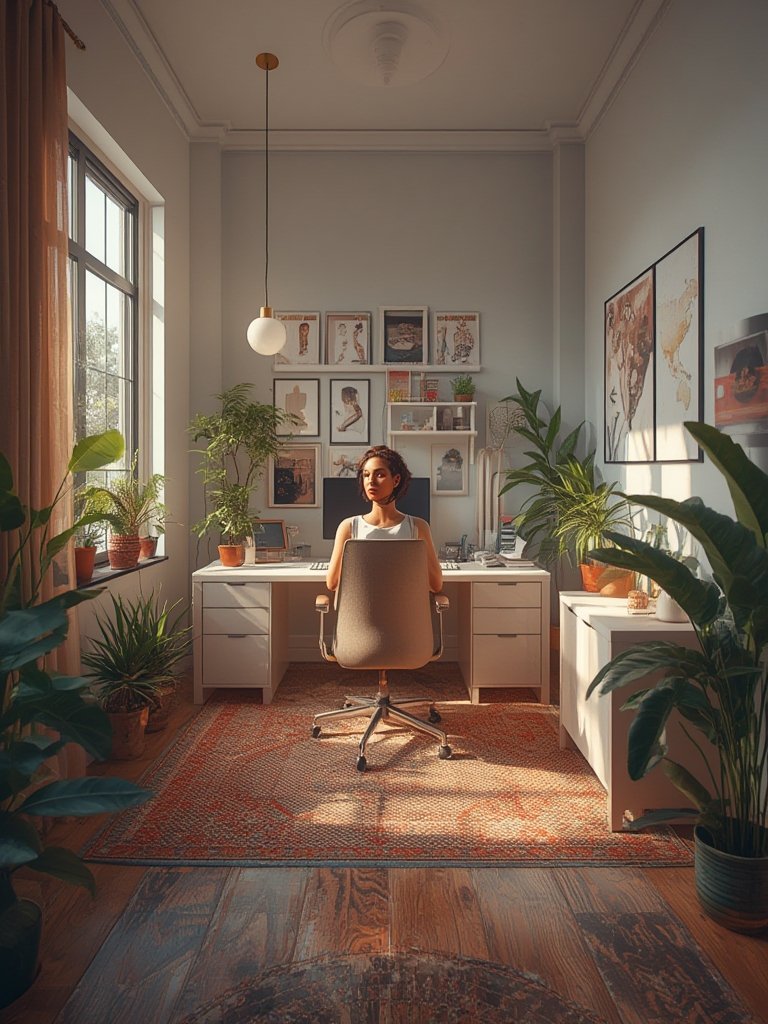
Lastly, don’t count on the internet for gold-standard ergonomic recommendations or medical proof that a new chair will save your back—at least in 2024. Most recent discussions are still anecdotal. Instead, adjust your home office for comfort, not for trends.
Conclusion
Making your home office setup work takes more than a quick desk buy—it demands careful planning, realistic expectations, and a bit of experimentation. Most remote workers can dramatically improve comfort and focus with basic ergonomic upgrades, smart organization, and by addressing overlooked issues like lighting or storage. Whether you are new to hybrid work or overhauling your workspace, taking the first step matters most. If you’re ready to optimize your home office setup, start with one change this week and build from there.
Need inspiration for smart devices or modular furniture? Explore more home office setup tips and let your space work for you.
FAQ
What is the biggest mistake people make with a home office setup?
The most common mistake is using uncomfortable, non-ergonomic furniture, such as dining chairs or low tables. These arrangements may seem fine short-term but lead to long-term discomfort and reduced productivity.
How much should I budget for an ergonomic home office?
Expect to spend $300 to $1,500 for a basic ergonomic setup. Higher-end or smart features can push costs higher, but many effective upgrades are affordable, especially when purchased gradually.
Can I create an effective home office in a small space?
Yes. Optimize vertical storage, use modular or fold-away furniture, and prioritize one dedicated surface. Even a small corner or closet can become a productive, comfortable work zone with careful setup.
What are affordable ways to improve ergonomics in my home office?
Use a rolled towel for lumbar support, stack books to raise your monitor, or add a basic footrest. Adjust lighting with inexpensive lamps and declutter using wall shelves or baskets.
How can smart home tech improve my home office?
Smart lighting, thermostats, and plug controls automate routines, reduce distractions, and improve comfort. These upgrades are now affordable and easy to integrate with most setups. For more ideas, see our guide to smart home improvement.