

### Blog Post:
Smart home devices are rapidly transforming how we live, offering more security, energy savings, and automation than ever before. But beneath the gadgets and convenience, there are crucial considerations every homeowner should know before investing.
Key Takeaways
- The global smart home devices market reached $127.80 billion in 2024 with rapid adoption, especially in North America and Europe.
- Security, privacy, and interoperability challenges persist—over half of US users report concerns about data privacy and device hacking.
- Choosing devices that follow emerging standards (like Matter) and planning cross-platform compatibility can help you build a future-proof smart home.
- What Are Smart Home Devices & Why Should You Care?
- How to Get Started: Step-by-Step Guide
- Advanced Analysis & Common Pitfalls
- Conclusion
- FAQ
What Are Smart Home Devices & Why Should You Care?
Smart home devices are internet-connected appliances and controls—like smart lighting, smart thermostats, doorbell cameras, and voice assistants—that let you control and automate your home from anywhere. These technologies are not just about convenience. They play a major role in improving safety, streamlining daily tasks, and saving energy.
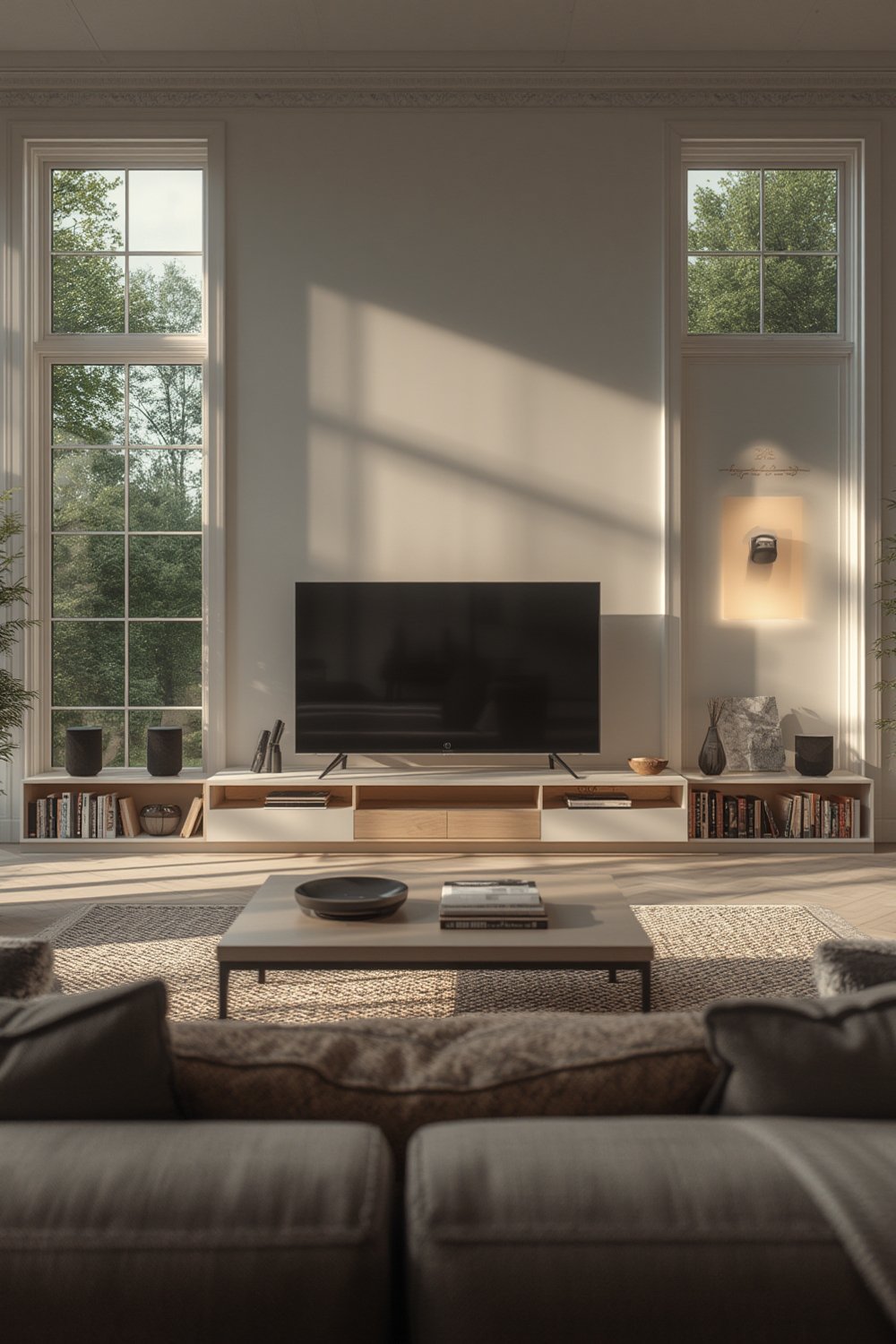
According to recent research, the global market has soared past $127.80 billion in 2024. North America and Europe are leading—over 93% of Americans own at least one smart device, and household adoption rates are rapidly climbing. Security, access control, and energy-saving upgrades like smart thermostats top the list. These systems bring new capability to older homes through retrofit devices, while new builds often have automation baked in from the start.
But more connectivity means new worries. Many homeowners face intimidating setup processes, device incompatibility, and valid concerns about data privacy. Before making your home “smart,” it’s crucial to balance features with security and plan for changing platforms.
How to Get Started: Step-by-Step Guide
- Set Your Priorities and Budget
Decide if your main goal is home security, convenience, energy savings, or accessibility. Make a list of must-have features—like smart lighting, a video doorbell, remote climate control, or integrating voice assistants. Set a realistic budget, keeping in mind you’ll pay both upfront for devices and possibly monthly for monitoring services. - Choose Your Platform and Check Compatibility
The three big ecosystems—Amazon Alexa, Google Home, and Apple HomeKit—each offer robust, but sometimes incompatible, options. Most users choose based on their preferred voice assistant or phone. Check every device’s packaging (or website) for compatibility. The new Matter standard claims to simplify interoperability, but not all devices are fully supported yet. - Start Small & Build in Stages
Begin with one or two essential upgrades. Smart thermostats and smart lighting are easy entries, delivering instant impact on energy and convenience. Progress to locks, security cameras, leak detectors, and automated shades on your own timeline. This way, if you run into compatibility or privacy problems, you catch them early and avoid expensive mistakes. - Secure Your Network & Devices
Change all device default passwords, set up a dedicated guest WiFi network, and enable two-factor authentication wherever possible. Regularly run device and network firmware updates. Security and privacy are the most common concerns—57% of US buyers worry about how their information is being collected and used, and almost half fear device hacking. See our expanded tips in this smart home improvement guide. - Personalize Automation & Routines
Set up routines like “away modes” that adjust lighting and thermostats automatically, or geofencing that alerts you when doors are left open. Start simple, test for reliability, then expand your routines. Many platforms let you blend security, lighting, and comfort settings for maximum effect. - Plan for Maintenance & Future-Proofing
Device life spans vary, batteries require replacement, and subscription fees for advanced features (like remote video storage) can add up. Opt for devices that support standards like Matter or support “hybrid protocols,” as these are most likely to work with future hubs and assistants.
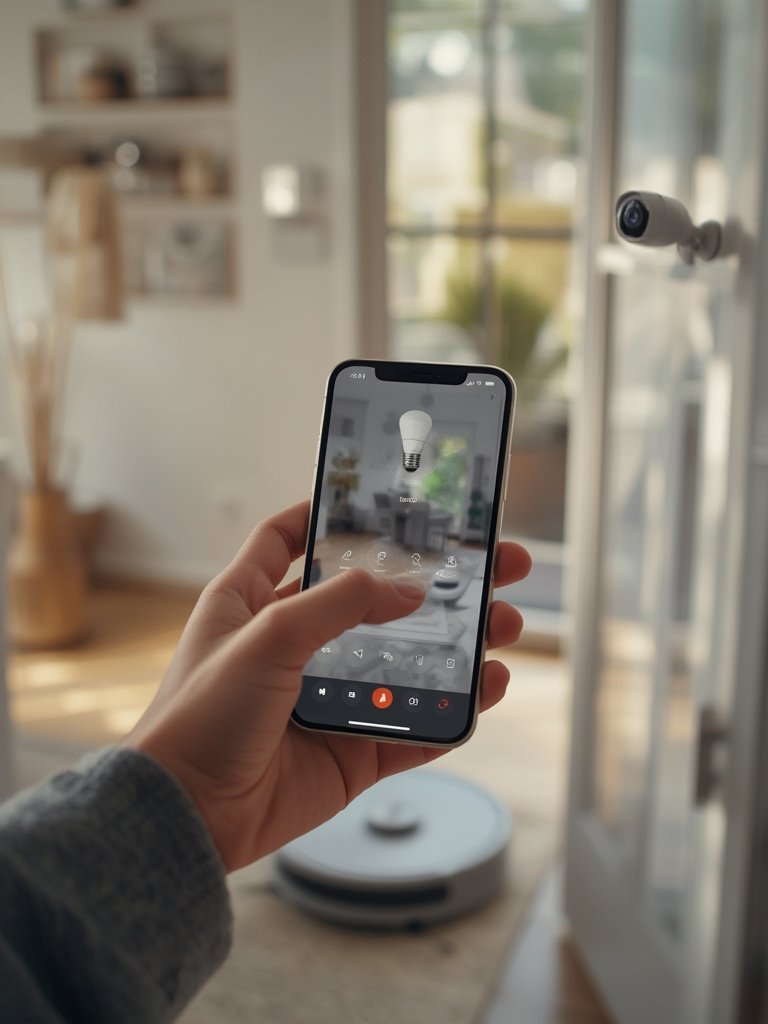
Remember: if you’re interested in additional practical upgrades, check out our guide to home technology improvements, or explore the latest in smart security camera setups for more expert recommendations.
Advanced Analysis & Common Pitfalls
While adoption is skyrocketing, most homeowners encounter foreseeable headaches. Here’s what commonly goes wrong—and how you can prepare.
Common Pitfalls to Avoid
- Privacy and Security Risks: 57% of Americans remain wary of data privacy, and 46% worry about hacking or unauthorized device recordings. Too many homeowners skip vital security settings, leaving systems exposed (source).
- Interoperability Frustrations: Device ecosystems sometimes play poorly together. Until the Matter standard is more widely adopted, it’s easy to buy smart bulbs or smart locks that won’t talk to your chosen hub or assistant. Cross-platform compatibility remains piecemeal (source).
- Hidden Costs: While smart devices may offer long-term savings on energy and insurance, upfront hardware costs plus ongoing subscription fees can add up fast. Many articles gloss over the real-world expenses.
- Lack of Technical Requirements: Not every home WiFi or wiring setup is up to the challenge. Before heavy investment, confirm adequate coverage, power outlets, and check for potential network congestion. Manufacturer sites usually outline recommendations for bandwidth, but this is often ignored—leading to performance headaches.
- Device Fatigue & Platform Lock-in: Rapid change in the voice assistant space (especially with the “rise and potential fall” of certain platforms) means your investment could get stranded if support drops. Prioritize flexibility over flash.
| Pitfall | How to Avoid |
|---|---|
| Buying incompatible devices | Always check for “Works with Alexa/Google Assistant/Matter” before purchase |
| Default passwords left unchanged | Change all default credentials and enable 2FA immediately |
| Ignoring firmware updates | Set reminders to update device software monthly |
| Underestimating total cost | Account for both initial purchase and recurring service fees |
| Setup overload | Install gradually—don’t connect 10 devices in a single evening |
| Neglecting privacy settings | Review permissions and privacy options in every app |
Need inspiration on where smart upgrades pay off most? Our smart camera guide explains home security trends and expert setup tricks. For comfort and energy savings, check our energy-efficient upgrades guide as well.

Conclusion
Adopting smart home devices opens the door to greater convenience, efficiency, and peace of mind—when chosen and set up wisely. As this market evolves, focus on cross-platform compatibility, privacy, and scaling your smart home at your own pace. Review recurring costs and risks early. A smart strategy now means fewer frustrations and more value for years to come. Ready to start—or to expand—your smart home devices ecosystem? Research, compare, and start with devices that keep your options open.
Take action: Explore our ultimate smart home improvement guide or see ways to protect your home with smart cameras for next steps.
FAQ
What are the most popular smart home device categories in 2024?
Security and access control lead the market—smart cameras, video doorbells, and smart locks are especially popular. Smart thermostats and lighting follow closely, with many households also adopting voice-controlled speakers and sensors for leak or motion detection.
How much does it cost to set up a basic smart home?
Costs vary. A starter system with a smart speaker, a few bulbs, and a smart thermostat typically runs $250–$500 upfront, not including installation fees or optional monthly subscriptions. Larger, more integrated setups with cameras, sensors, and smart locks can exceed $1000.
Which platform—Alexa, Google, or Apple HomeKit—is best?
It depends on your other devices and preferences. Alexa provides the broadest device compatibility. Google Home is strong for those deep in the Google ecosystem. Apple HomeKit offers the highest privacy and works best for Apple-only households. Matter is emerging to bridge gaps, but check device compatibility carefully.
Are smart home devices safe from hacking?
Risks exist. Always change default passwords, enable two-factor authentication, and keep your devices’ firmware up to date. Place devices on a separate WiFi network if possible, and review privacy settings and permissions for each device regularly.
Can I add smart technology to an older home?
Yes, most devices are designed for easy retrofit and require only a stable WiFi network and standard power outlets. Start with plug-and-play devices and consider professional installation for hardwired options like smart thermostats or security systems.
—

[…] Start With Core Devices Prioritize upgrades that make a real difference: smart thermostats (for energy savings), smart lighting (for mood and schedules), and video doorbells or security cameras. For deep-dive setup and product picks, visit our Future-Proof Your Home guide. […]
[…] Similarly, when working on home automation systems, a single undefined variable can disrupt scheduling or security logic. For proven strategies to safeguard your connected devices, check out Smart Home Devices: 7 Best Ways To Future-Proof Your Home. […]
[…] more hands-on advice? Our proven smart home devices guide dives deep into device choices and setup checklists for every […]
[…] For more on picking future-ready devices, see our Smart Home Devices: 7 Best Ways To Future-Proof Your Home. […]