

Smart home devices are rapidly changing how people live, making homes more convenient, efficient, and secure. In 2024, the surge in demand and rapid market growth shows more homeowners are investing in this tech—but is the smart home dream all it’s cracked up to be? Let’s dive into the data, real-life challenges, and how to make the smartest moves with your smart home investment.
Key Takeaways
- The smart home device market is booming, with over 400 million smart homes worldwide in 2024 and exponential growth ahead.
- Consumers are drawn to energy savings, convenience, and security, but should watch for high costs, privacy concerns, and compatibility issues.
- Getting the most from smart home devices requires a strategic, well-informed approach—avoid hype, focus on your needs, and verify integrations.
- The Core Concept: What Are Smart Home Devices and Why Are They Everywhere?
- Step-by-Step Guide: How to Start With Smart Home Devices the Right Way
- Advanced Analysis & Common Pitfalls: Straight Talk From Real-World Data
- Conclusion
- FAQ
The Core Concept: What Are Smart Home Devices and Why Are They Everywhere?
Smart home devices are internet-connected hardware that automate, monitor, or control elements of your home—think lighting, thermostats, locks, cameras, appliances, or voice assistants. Adoption has exploded: the global smart home market is worth up to USD 127.67 billion in 2024, with projections reaching over USD 1.4 trillion by 2034. More than 400 million homes now use these devices, and the number keeps climbing.
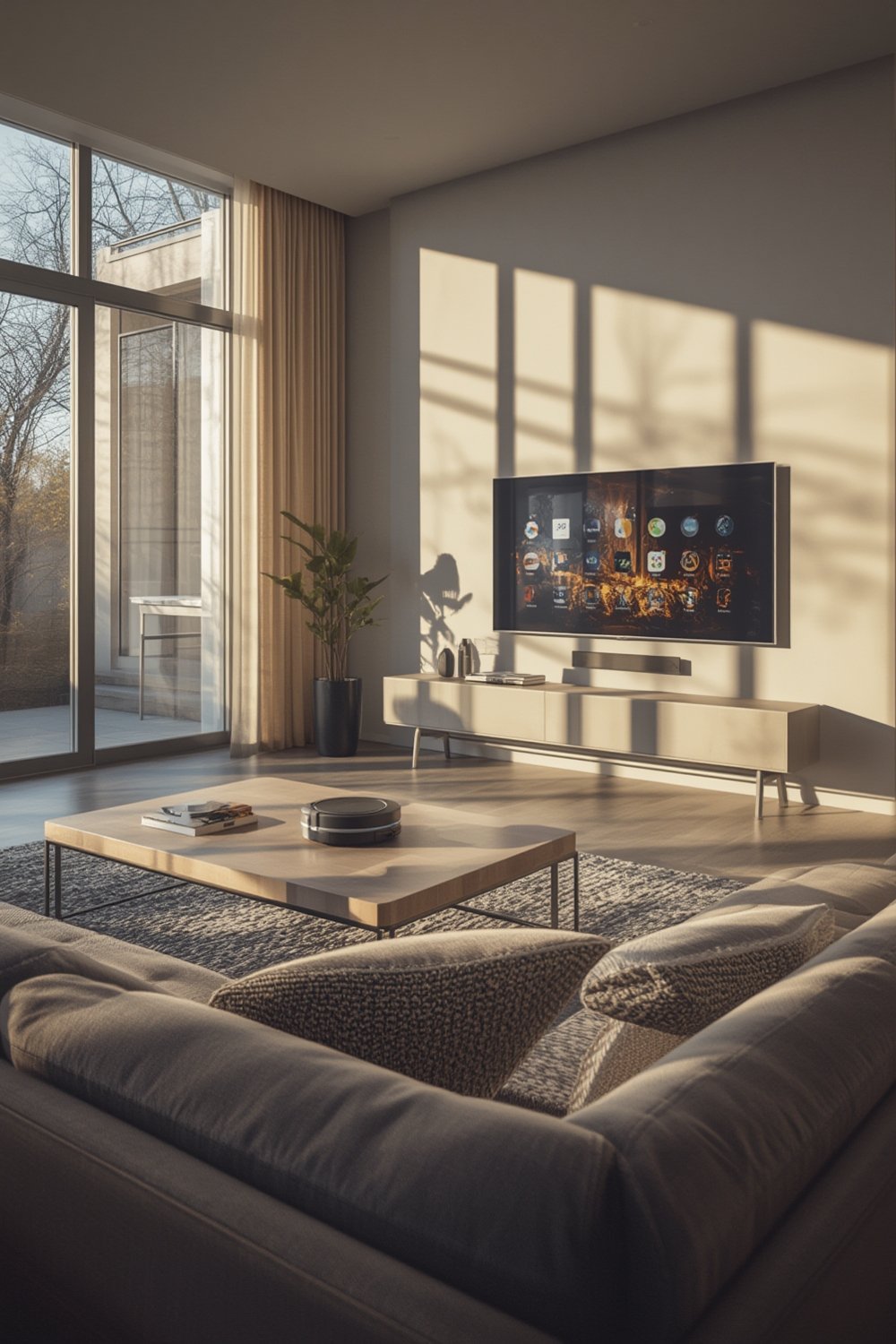
Why the surge? Three core reasons:
- Energy Savings and Sustainability: Smart thermostats and lighting can cut bills and carbon footprints.
- Security: Monitoring, alarms, and smart locks offer peace of mind.
- Convenience and Control: Automation, routines, and voice commands fit busy lifestyles.
AI integration is accelerating adoption, learning user habits for truly personalized living. For homeowners considering smart home improvement ideas, the market has never been more compelling—or complex.
Step-by-Step Guide: How to Start With Smart Home Devices the Right Way
- Define Your Top Priorities
Do you want tighter security, lower energy bills, or maximum convenience? Narrow your focus. Upgrading to smart security or thermostat systems delivers immediate benefits and is a safe entry point for most homes. - Check Compatibility and Ecosystem Lock-In
Devices must work together. Choose a common platform (Amazon Alexa, Google Home, Apple HomeKit, or Samsung SmartThings) and confirm product compatibility before buying. - Start Small, Scale Slowly
Begin with a single device—like a smart plug or bulb. Once you’re comfortable, expand to hubs, cameras, or sensors, always testing integrations before scaling up. - Plan for Privacy and Security
Review each device’s privacy options, enable multi-factor authentication, and change default passwords. Set your WiFi to use WPA3 if possible. - Budget Wisely
Costs vary widely: A high-end security camera can cost $300+, but you can get a basic smart plug for under $20. Factor in installation, hub, and subscription costs for services like video storage.
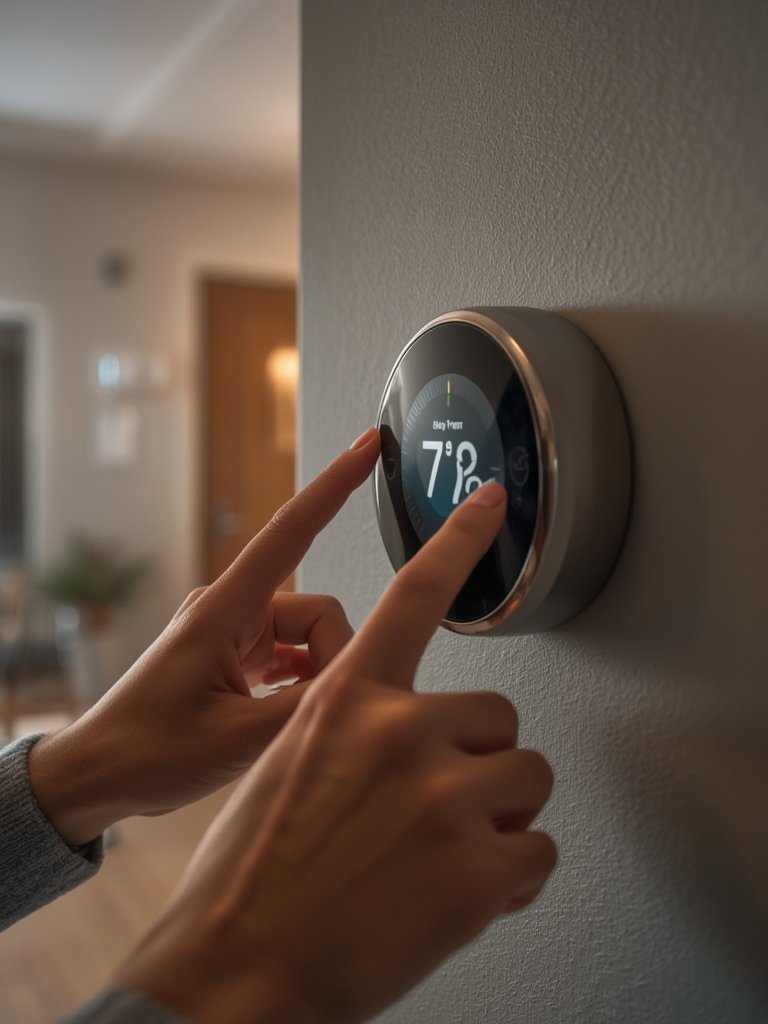
Still unsure where to start? Begin with proven home improvement upgrades before committing to a full ecosystem. And don’t overlook the basics: update firmware, secure your network, and keep a record of each device’s login info.
Advanced Analysis & Common Pitfalls: Straight Talk From Real-World Data
Despite massive growth, many homeowners hit unexpected roadblocks after installing smart home devices. Here’s what the research (and real users) say:
- Hidden Costs: Installation can require electricians or specific hubs. Some devices (security cams, doorbells) require ongoing fees for cloud storage or advanced features.
- Privacy Concerns: Always-on microphones and cameras, plus potential data breaches, are increasing user anxiety. Not every manufacturer provides strong encryption or privacy controls.
- Compatibility and Fragmentation: Cross-brand device integration remains hit-or-miss, even with emerging standards like Matter. Ecosystem lock-in (e.g., Apple HomeKit-only) limits your flexibility later.
- Setup Nightmares: App bloat, buggy firmware, or poorly written instructions can turn an easy install into an hours-long headache.
- Noisy Devices and False Alarms: Some security solutions are too sensitive, causing frequent false alerts—and frustration.
| Product Category | 2024 Shipments | 2025 Shipments (Projected) | Growth Rate | Market Share | Potential Issues |
|---|---|---|---|---|---|
| Home Monitoring/Security | 244.4 million | 308.6 million | 6.0% | 27.4% (2024) | Subscription costs, privacy risk |
| Video Entertainment | 269.7 million | 287.9 million | 1.6% | 30.2% (2024) | Integration issues, brand lock-in |
| Smart Speakers | 87.4 million | ~88 million | -8.8% to 0.7% | 9.8% (2024) | Privacy, always-listening mics |
Source: IDC Device Shipments 2024
To avoid common pitfalls, read user reviews, check compatibility lists, and always review privacy policies. For more, check guides on home maintenance and organization with smart tech or see our practical home lifestyle upgrades.

Conclusion
The right smart home devices can lower your bills, increase comfort, and keep your loved ones safe. But don’t expect a plug-and-play utopia: setup headaches, privacy worries, and compatibility problems are real. Shop carefully, weigh your needs versus features, and invest in brands with proven security and support. For a deeper dive on the best smart upgrades, check out our ultimate smart home improvement ideas and stay ahead of the curve. Ready to build your smartest home yet? Start your journey with the right smart home devices—your future self will thank you.
FAQ
What are the most popular smart home devices to start with?
Start with smart plugs, bulbs, thermostats, and video doorbells. These offer the biggest impact with the least setup complexity and work with most leading platforms.
Are smart home devices secure to use?
Most reputable brands use strong security, but no device is immune. Always change default passwords, enable two-factor authentication, and keep devices updated to stay protected.
How much does it really cost to set up a smart home?
Basic setups can cost under $100, but a full-featured ecosystem (security, lighting, heating) can run $500 to $2000+, especially with professional installation and subscriptions.
Will my devices from different brands work together?
Interoperability is improving with standards like Matter, but many devices still face limitations. Check compatibility before purchasing and use a central platform like Alexa, Google Home, or SmartThings to coordinate brands.
What should I do if a device isn’t working as expected?
Restart the device, check WiFi, update firmware, and review the manufacturer’s troubleshooting guides. For persistent problems, look for community forums or professional service help.