

Smart home devices are transforming how we live, work, and secure our homes. In 2024, homeowners around the world are exploring ways to automate daily routines, save energy, and enhance security—but not every setup is smooth sailing. This guide looks at real numbers, practical steps, and hard lessons from the frontlines of smart home automation.
Key Takeaways
- Global smart home device shipments hit 892.3 million in 2024—adoption is growing, but mature markets like North America face integration hurdles.
- Mixing smart home ecosystems sounds appealing, but brings real compatibility, cost, and privacy challenges.
- Future-proof your investment by choosing devices with robust update cycles and universal protocol support like Matter.
- What Are Smart Home Devices and Why Should You Care?
- How to Build a Smarter Home in 2024: Step-by-Step
- Real-World Pitfalls and Smart Home Integration Challenges
- Conclusion
- Frequently Asked Questions (FAQ)
What Are Smart Home Devices and Why Should You Care?
Smart home devices are gadgets connected to your home network that automate, monitor, or simplify daily routines, such as lighting, thermostats, cameras, door locks, and voice assistants. These devices form the backbone of modern home automation, letting you control comfort, security, and energy savings from your phone or by voice.
Why care? According to IDC, close to 892 million units shipped globally in 2024. People want more convenience, greater safety, and long-term savings. Major brands like Amazon, Google, Apple, and Samsung invest billions to make smart home setups more accessible for everyone.
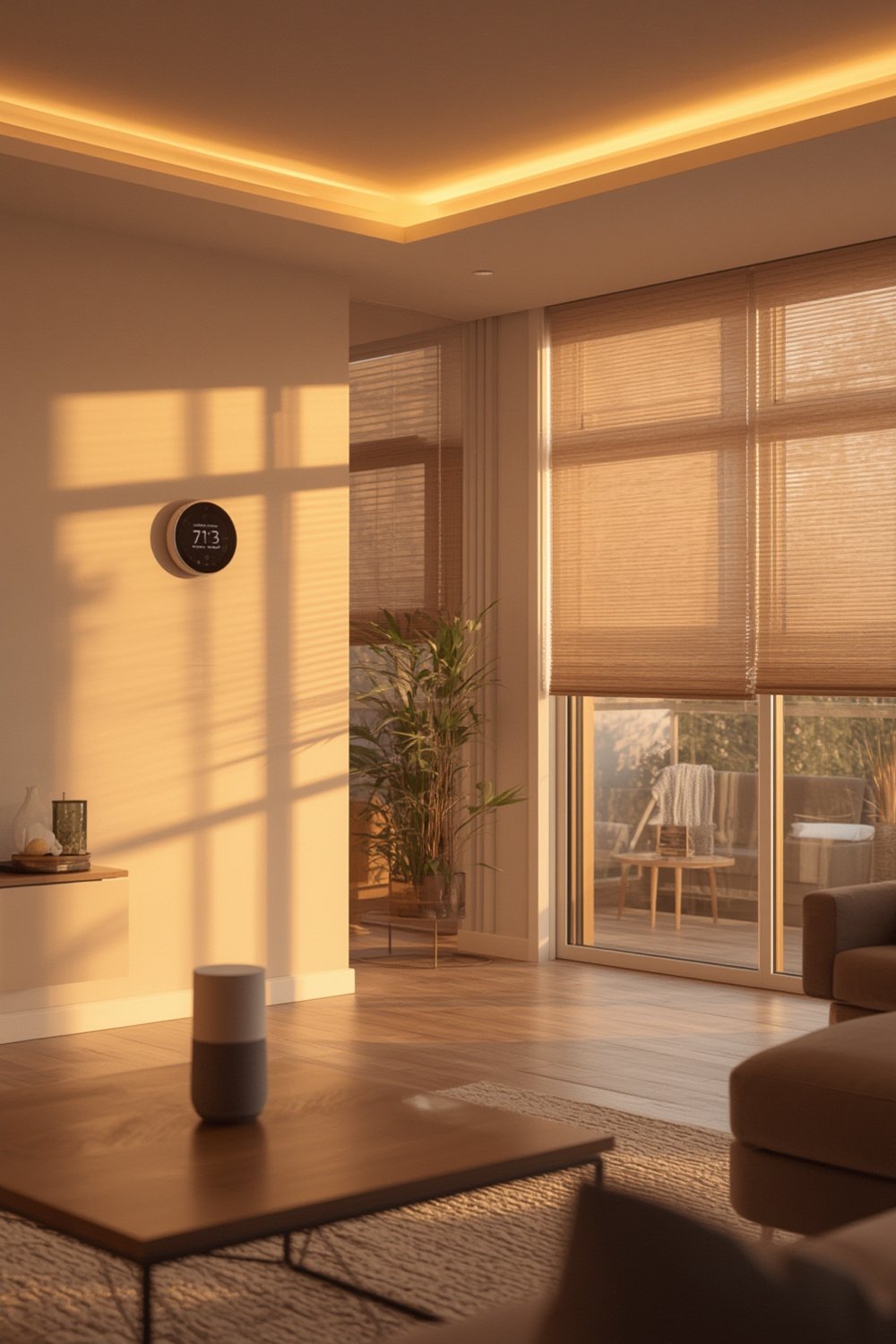
Adoption is still ramping up. By the end of 2024, an estimated 422 million households will use at least one smart home system. In 2023, categories like video entertainment devices (30.2% of shipments) and home security (27.4%) dominated, with smart speakers declining slightly despite their hype (source).
Yet in mature markets—especially North America—penetration rates mean growth is slowing, and users face more nuanced hurdles, like integrating different brands, replacing aging setups, and navigating privacy risks.
Curious which upgrades will pay off? Explore the home improvement impact in our dedicated guide.
How to Build a Smarter Home in 2024: Step-by-Step
Building a smart home is less about splurging on every gadget and more about getting the fundamentals right from the start. Here’s a practical path anyone can follow:
-
Pick Your Ecosystem Carefully
Decide whether Amazon Alexa, Google Home, Apple HomeKit, or Samsung SmartThings is your primary control center. Cross-compatibility exists, but it’s limited and varies by region.
Recent research shows hybrid protocols now hold the largest market share. -
Start with a Hub or Smart Speaker
Smart speakers serve as the “brain” of your home—connect lights, thermostats, and sensors through a central app so you’re not juggling logins or remotes. -
Prioritize High-Impact Devices
Focus spending on the proven essentials: thermostats, lights, security cameras, and smart locks. Each can meaningfully improve comfort or safety in daily life. -
Test Compatibility for Legacy Devices
If you already have smart gadgets from different brands, run a compatibility check before investing in anything new. Platforms like Home Assistant or SmartThings can help bridge protocol gaps if you’re technical enough. -
Secure Your Network from the Start
Use a strong WiFi password, enable device-level encryption, and check for firmware updates monthly. The smart security device market is booming for good reason. -
Plan for Ongoing Costs
Subscription fees for cloud storage (especially for cameras) and premium automation zones can add up. Factor in installation fees if you’re not a DIYer. -
Keep Your System Future-Proof
Favor devices that support the Matter protocol or Thread connectivity, and brands known for long-term software updates. This reduces the risk of “dead” gadgets when standards evolve.
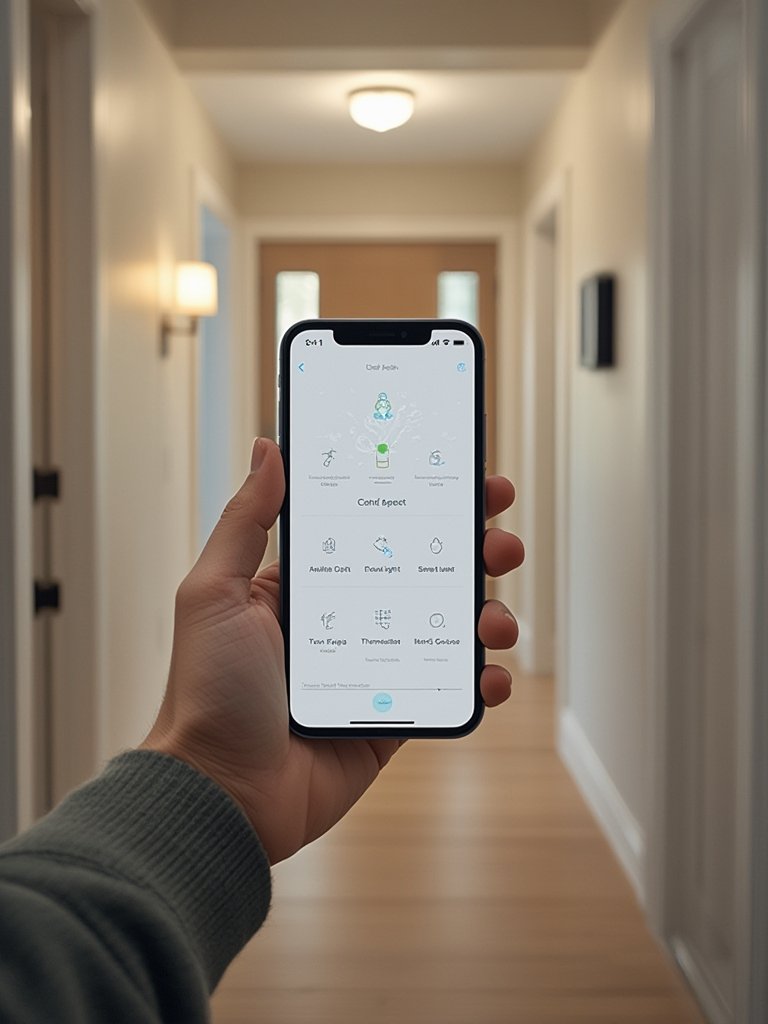
Want a practical checklist? See our proven smart home improvement ideas that work for every budget.
Also, blending tech upgrades with thoughtful design can make your automated home both functional and beautiful.
Real-World Pitfalls and Smart Home Integration Challenges
Even seasoned techies hit snags with smart home devices. Here’s what goes wrong most often—and how to avoid the biggest traps:
- Integration Headaches: Mixing Amazon, Google, Apple, and niche brands leads to device “islands”—routines may break, voice commands may not reach all rooms, and some sensors remain invisible to certain hubs.
- Hidden Costs: Initial outlay covers only the basics. Cloud storage for video (think doorbells and cameras), expert install fees, and recurring subscriptions can inflate total spending beyond expectations.
- Security and Privacy: Video surveillance devices (42% of the market) are top attack targets. Outdated firmware, poor network setup, or default passwords open the door to privacy risks.
- Technical Compatibility: Older Zigbee, Z-Wave, WiFi, and Bluetooth-only devices may not play well together—or at all. Hybrid protocol hubs help, but require patience and sometimes extra adapters.
- Long Refresh Cycles: In mature markets, users wait years before replacing core devices. Newly released features (like AI-driven routines) might be inaccessible on older hardware.
| Problem | Root Cause | What To Do Instead |
|---|---|---|
| Device won’t connect | Mixed protocols or unsupported brand | Check compatibility lists before purchase; use a universal hub if needed |
| Routines fail unpredictably | Cloud dependency, transient WiFi, brand conflicts | Set up local automations where possible; avoid too many brands |
| Surprise costs | Ongoing subscriptions or installation fees | Audit services before buying; DIY setup if possible |
| Security breach/scare | Outdated device software, weak WiFi, no encryption | Update firmware monthly; use strong passwords; check vendor security track record |
For more tips in home management and organization, see our in-depth guide on household upkeep or read about daily living quality upgrades.
Conclusion
Smart home devices can truly simplify living, boost security, and even save money—when set up carefully. The market is thriving, with over 892 million devices shipped in 2024 and projected growth into 2025 and beyond [source]. But technical confusion, integration tangles, and security risks remain. If you want your investment to last, research ecosystems, budget for subscriptions, and buy only future-proof smart locks.
Take your home automation plans to the next level today—test-drive a small setup, follow security best practices, and stay alert to rapid tech changes. Ready to build a truly smart home? Start with what matters most to you.
Frequently Asked Questions (FAQ)
What is the Matter protocol and why does it matter?
Matter is a universal smart home standard designed to ensure devices from different brands work together seamlessly. Choosing Matter-supported devices makes your system more future-proof and less likely to break after updates.
How much does a basic smart home setup really cost in 2024?
Upfront costs vary, but a basic setup (hub, 3-4 sensors/lights, smart lock) can range from $250 to $600. Add-on expenses like subscription video storage and professional installations can increase this by $100–$300 per year.
Are smart home devices safe from hackers?
No device is invulnerable. Most breaches happen due to weak WiFi passwords, outdated firmware, or default settings. Always update devices and use strong, unique passwords for each product.
Can I mix Amazon Alexa, Google Home, and Apple HomeKit devices?
Some cross-compatibility exists, especially for lights and switches supporting major standards. However, advanced features may not work across ecosystems, and you may need third-party hubs or bridges for full integration.
Which smart home device categories offer the biggest benefits?
Surveys show that security cameras, smart locks, thermostats, and connected lighting bring the most tangible benefits in daily life—both in terms of convenience and cost savings.