

Smart home devices are transforming how we control, secure, and optimize our living spaces in 2024. But as adoption grows, homeowners must navigate a rapidly changing market, avoid common pitfalls, and understand real-world device compatibility and security risks. Here’s what matters most right now.
Key Takeaways
- Smart home devices now top 892 million shipments globally, with security and energy efficiency driving adoption.
- Matter 1.4 has improved device compatibility, but setup complexity and reliability issues persist for many users.
- Security remains a concern—choose trusted brands and understand limitations before integrating devices.
- What Are Smart Home Devices and Why Do They Matter?
- How to Set Up a Realistic Smart Home: Step-by-Step Guide
- Advanced Analysis & Common Pitfalls with Smart Home Devices
- Conclusion
- FAQ
What Are Smart Home Devices and Why Do They Matter?
Smart home devices are Wi-Fi, Zigbee, Z-Wave, or Bluetooth-enabled products—such as connected cameras, smart thermostats, lighting, speakers, and locks—designed to automate key functions in your home. The goal is simple: increase safety, convenience, and energy efficiency with real-time, app-controlled automation.
In 2024, the market has shifted. Security products—like cameras and video doorbells—now account for 27% of all smart home units shipped. Video entertainment (think smart TVs and streaming hubs) remains popular, while energy-focused upgrades, such as smart thermostats and lighting, are heating up—especially for retrofit installations (source).
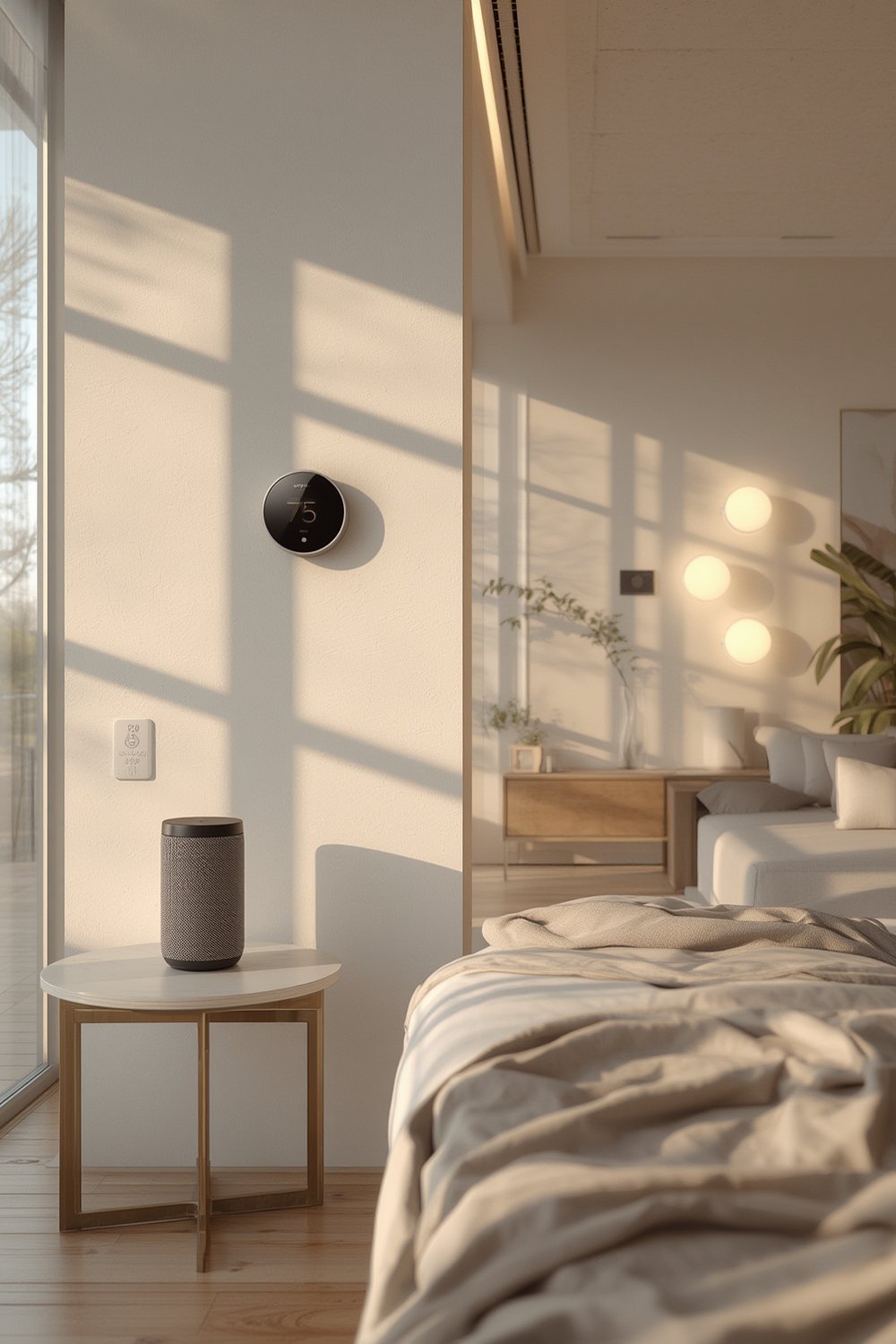
The newest protocols like Matter 1.4 finally let devices from Google, Amazon, and Apple talk to each other reliably, but major challenges are still unsolved: installation can get complex, cheaper devices may have reliability gaps, and privacy issues remain if cloud-based controls are used. North American buyers especially prioritize voice control, energy savings, and robust security—making smart home automation a growing, if sometimes confusing, priority for upgrades.
For hands-on upgrade ideas, see these ultimate smart home improvement ideas that maximize energy efficiency and comfort.
How to Set Up a Realistic Smart Home: Step-by-Step Guide
Ready to get started? Here’s a step-by-step process to pick, install, and optimize smart home devices with minimal frustration and real-world compatibility.
- Audit Your Home’s Needs. Make a checklist: Do you want security, convenience, or energy savings? For security, start with video doorbells and smart locks. For energy, prioritize smart thermostats and lighting. Convenience upgrades often begin with smart speakers or displays.
- Choose an Ecosystem. Pick one main platform: Amazon Alexa, Google Home, or Apple HomeKit. Matter 1.4 enables cross-platform device pairing, but some features are still siloed—do your research before buying.
- Select Devices with Matter Certification. Look for the official Matter logo. Devices like Google Nest Mini, TP-Link Kasa Smart Plug, and Amazon Echo Hub promise easier, broader compatibility (more details).
- Focus on Security. Stick with trusted brands for cameras, locks, and cloud-based controls. Change default passwords and set up two-factor authentication during onboarding.
- Optimize Your Wi-Fi Network. Place your smart hub centrally, and use mesh Wi-Fi if you experience dead zones—reliable connectivity is crucial.
- Automate Simple Routines First. Set up lighting scenes, schedule thermostat adjustments, and automate notification alerts for security events in your apps before tackling advanced automations.
- Expand Cautiously. Test every new device. Document what works and what breaks—ecosystem bugs are common. Avoid going all-in at once.
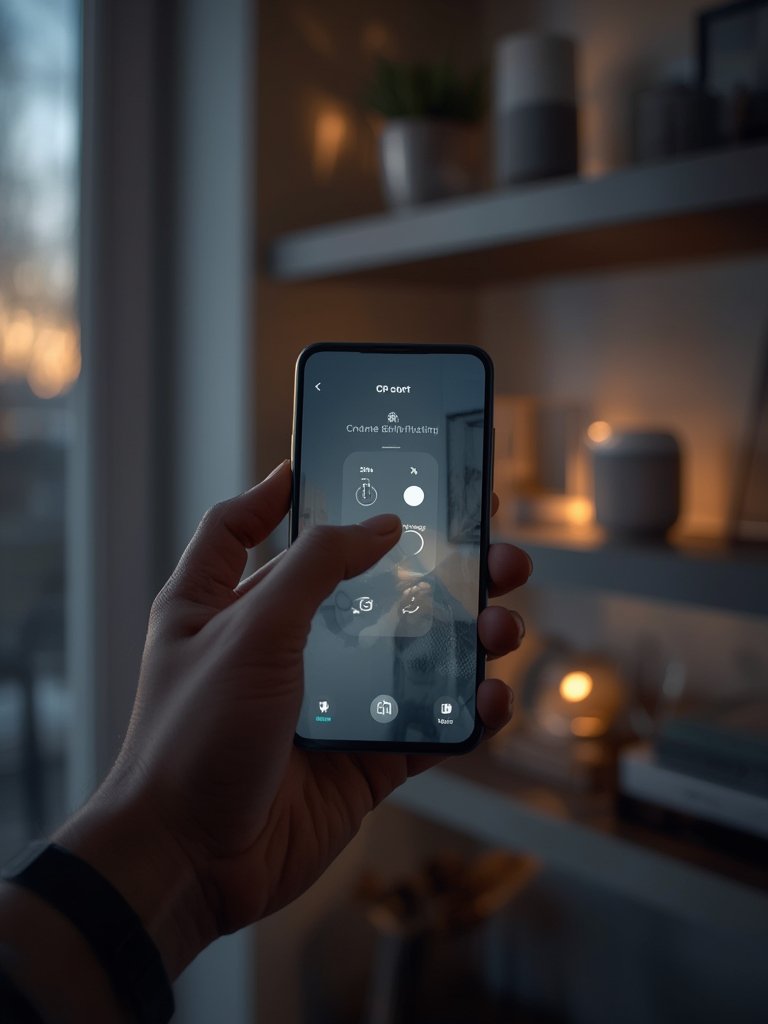
Need more hands-on advice? Our proven smart home devices guide dives deep into device choices and setup checklists for every room.
For security-first upgrades, see this smart security cameras guide or explore ways to boost security with smart home systems for step-by-step setup strategies.
Advanced Analysis & Common Pitfalls with Smart Home Devices
Most articles gloss over the messy parts of building a smart home. Here’s a realistic breakdown of what goes wrong, why, and how to avoid regrets.
Common Pitfalls in 2024
- Lack of Standardization: While Matter improves compatibility across platforms, many products (especially at the budget end) still force you into app silos, duplicate automations, or confusing routines.
- Onboarding Frustration: Setup can be slow, especially if your Wi-Fi is spotty or device firmware is outdated.
- Hidden Ongoing Costs: Cloud storage for video cameras or premium automations can cost $10–$30+ per month per device family. Always check for recurring fees before purchase.
- Security Risks: No widespread or specific device breaches documented for 2024, but user errors (weak passwords, unpatched cameras) remain the top vulnerabilities. Stick with proven vendors, and harden your security camera setup.
- Energy Savings Overstated: While adoption of smart lighting and thermostats is up, there are no reputable studies offering exact ROI or energy savings for most households (see research).
Real-World Ecosystem Comparison
| Platform/Protocol | Strengths | Limitations |
|---|---|---|
| Amazon Alexa | Huge device library, affordable, works with Matter, great voice assistant | Some devices need cloud, complex routines hard for beginners, privacy concerns |
| Google Home | AI-powered automations, strong camera/display support, Matter and Nest integration | Advanced routines may break during firmware updates, limited local control |
| Apple HomeKit | Top-tier local privacy, simple automations, tight ecosystem, Matter and Thread support | Limited device selection, higher upfront cost, best for iOS households |
| Matter 1.4 | Most cross-brand compatibility to date, easy onboarding, local processing | Some features (advanced automations, video) still require platform-specific apps |
Retrofit devices—especially thermostats and LED lighting—offer the potential for efficiency but lack published ROI. If you want proven savings, focus first on basic efficiency upgrades and add smart features where they clearly solve a problem.

Curious how to combine energy upgrades with home tech? Don’t miss this guide on energy-efficient upgrades and ROI—real advice for busy homeowners.
Conclusion
Smart home devices hold massive promise for a safer, more convenient, and energy-aware house. But adoption is still fragmented, device compatibility can create headaches, and measurable savings are rarely guaranteed. Follow practical advice, stick with trusted brands, and upgrade step-by-step for best results. Whether you want to boost comfort or security, optimizing your smart home devices strategy now means fewer regrets and more value down the road.
Ready to make your home smarter the right way? Review our in-depth buyer’s guide for smart home devices or browse 31 top ideas for total home improvement. Start small, learn as you go, and enjoy real peace of mind.
FAQ
Are smart home devices compatible across all brands in 2024?
Matter 1.4 has made major progress standardizing compatibility, but many lower-cost products or legacy devices still require separate apps or hubs. Always check for the Matter logo and read device lists before buying.
What are the top security risks with smart home devices?
Most security issues result from poor password practices, unpatched devices, or improperly configured cloud controls. No major device-specific breaches were documented in the last year. Stick to reputable vendors and enable 2FA where possible.
Can smart home devices save you money on energy bills?
Some devices, like smart thermostats and LED lighting, may reduce consumption, but there are no universally published ROI numbers. Choose energy-focused devices for the highest chance of seeing real savings.
Is it expensive to fully automate a home in 2024?
Costs vary widely. Expect to pay $30–$300+ per device, plus installation (DIY is common, but complex setups may require a pro) and possible ongoing cloud fees. Start with your highest-priority rooms or routines to control costs.
What’s the easiest way to start a smart home upgrade?
Pick one or two devices—like a video doorbell and one smart plug—then expand slowly as you learn the interface and test reliability. This staged approach reduces frustration and helps you build confidence.