

Smart home devices are rapidly changing how we live, offering connected solutions for convenience, security, and energy management. As the adoption of smart home technology grows worldwide, understanding the latest trends, potential pitfalls, and realistic steps is crucial for anyone looking to upgrade their living space.
Key Takeaways
- Global smart home device shipments reached 892.3 million units in 2024, with rapid growth across monitoring, entertainment, and smart speakers.
- AI-driven personalization and enhanced security are major technological advancements, but users often face common installation and compatibility challenges.
- Effective planning and realistic expectations are key for navigating costs, integration issues, and making smart home upgrades worthwhile.
- What Are Smart Home Devices and Why Do They Matter?
- How to Set Up Smart Home Devices: A Practical Guide
- Advanced Analysis & Common Pitfalls
- Conclusion
- FAQ
What Are Smart Home Devices and Why Do They Matter?
Smart home devices include anything from voice-controlled speakers and intelligent thermostats to security cameras and automated lighting solutions. These connected products create a home ecosystem that streamlines everyday tasks, enhances security, and saves energy. According to the latest industry data, nearly 70 million US households used smart home devices in 2024, while global shipments hit 892.3 million units and the market is valued at over $154 billion (IDC report). The most popular segments include video entertainment, home monitoring, and smart speakers.
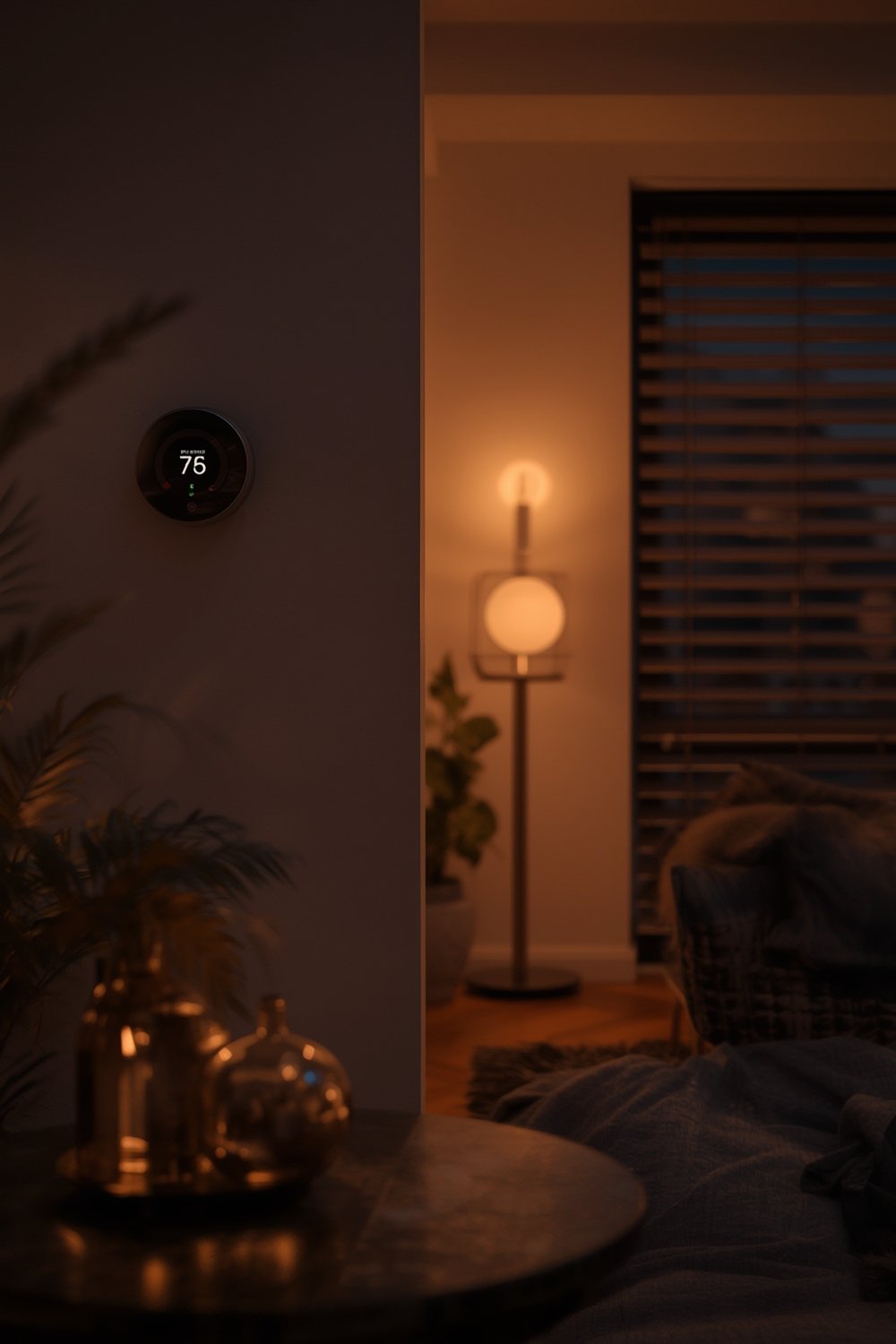
The appeal of smart home devices lies in their ability to boost convenience and efficiency. For example, setting up routines to manage lighting, controlling appliances remotely, or receiving security alerts when you are away. Leading brands such as Samsung, roborock, and Eufy are continuously introducing new features, including AI and machine learning for personalized experiences (Fortune Business Insights).
If you’re interested in deeper home automation ideas, explore Ultimate Smart Home Improvement Ideas to Upgrade Your Living Space for inspiration.
How to Set Up Smart Home Devices: A Practical Guide
Setting up your first smart home system or expanding an existing one might seem intimidating, but a step-by-step approach can simplify the process. Here’s how to get started with smart home devices, from planning to everyday use.
- Define Your Goals
Decide what you want to achieve: Security, energy savings, entertainment, or convenience. For example, do you want to manage lighting, automate climate control, or monitor your property remotely? - Research and Choose Compatible Devices
Select devices that work well together and support major standards. Ensure devices support Wi-Fi, Zigbee, Z-Wave, or protocols required by your smart home hub. If you need design or comfort ideas, visit our guide on modern home living concepts. - Plan Your Network
A strong, reliable Wi-Fi network is crucial. Many devices rely on constant connectivity, so consider a mesh setup if you have a large home or connectivity “dead zones.” - Install Devices
Follow the manufacturers’ instructions for installation. Some devices require only a plug-and-play setup, while others need hardwiring or professional installation. Start small, then expand as you gain confidence. Remember to connect each device to your network securely. - Configure Automation and Routines
Once your devices are connected, use your hub app to set up automation: timed lights, motion-triggered cameras, or customized notifications for abnormal events. - Test Security and Privacy Settings
Update device firmware, change default passwords, and review privacy settings. Enable multi-factor authentication where possible. - Monitor and Adjust
Use insights from device usage stats to optimize routines—like reducing energy usage or improving comfort. Need more on maintaining your home environment? Check out this practical guide.
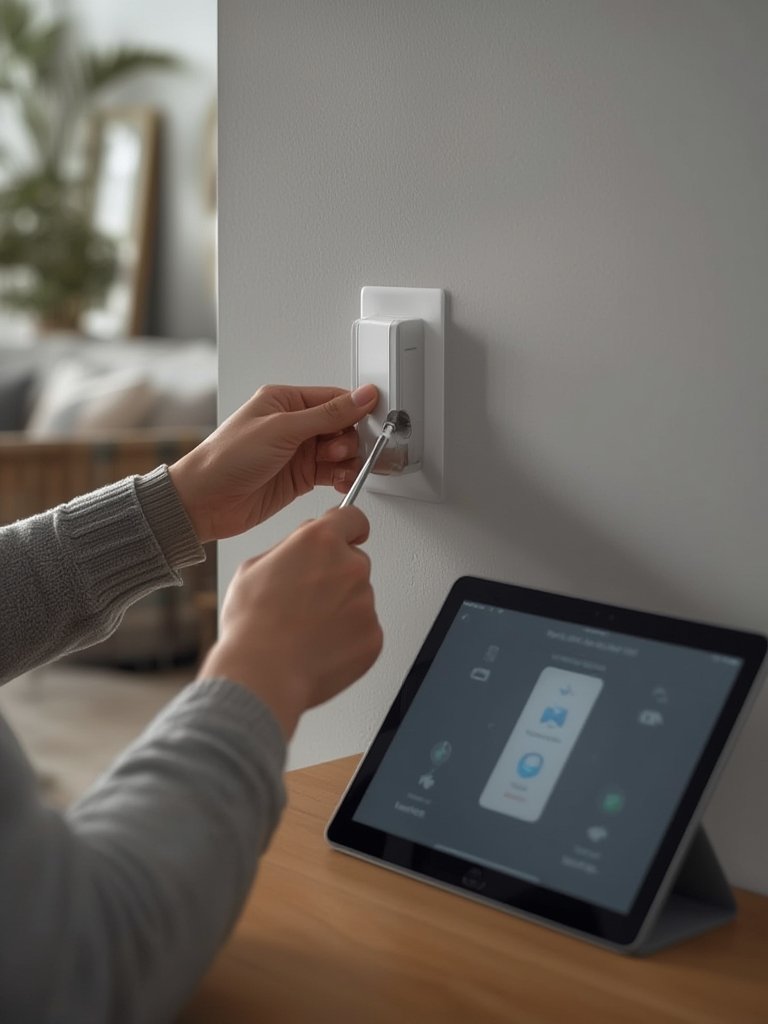
Keep all installation manuals and record support numbers. This helps if you encounter issues down the line—a common oversight that leads to unnecessary frustration.
If you’re considering more advanced upgrades and property enhancements, visit home improvement opportunities and residential enhancement projects.
Advanced Analysis & Common Pitfalls
Despite the benefits, smart home devices present real-world challenges. Knowing what may go wrong helps ensure smoother adoption and long-term reliability.
Common Pitfalls
- Connectivity Gaps: Weak Wi-Fi can make devices unreliable. This frustrates new users who expect seamless control.
- Compatibility Issues: Devices from different brands may not play well together. Some ecosystems “lock in” users, limiting mix-and-match possibilities.
- Security Concerns: Default or weak passwords leave devices vulnerable. Neglecting firmware updates also increases risk.
- Hidden Costs: Ongoing subscriptions for cloud storage or advanced automation features can add up. Not all buyers factor in these costs from the start.
- Difficult Installation: While many devices are plug-and-play, some require technical skills or professional setup—especially complex thermostats or integrated alarms.
- False Sense of Security: Non-monitored security systems might not deter experienced burglars. Always have a backup plan.
Brand and Feature Comparison
| Brand | Market Strength (2024) | AI/ML Integration | Prominent Segment | Security Features |
|---|---|---|---|---|
| Samsung | Major Player | Yes | General Smart Home Ecosystem | Varies by device |
| roborock | Leading (China) | Yes | Robot Vacuums | Home mapping, app control |
| Eufy | Strong Global Presence | Yes | Security Cameras | Two-way audio, cloud storage, motion detection |
| Dreame, Narwal | Fast Growth | Some models | Home Cleaning and Security | App monitoring, intelligent navigation |
| ABB, Emerson | Legacy Players | Emerging | Building Automation | Industry-grade security |
For additional strategies on property care and maintenance, see our detailed guide to household management.
Features Rising in 2024
- AI and machine learning for routines and personalization (source).
- Simplified smart speakers with conversational AI integration from Google and Amazon.
- Advanced security in cameras and video doorbells, including HD video, motion detection, and two-way audio.
User Experience: Satisfaction and Frustration
- 77% of owners report quality-of-life improvements (see source).
- But upfront and ongoing costs can surprise buyers—installation, cloud subscriptions, and device maintenance are often underestimated.

Conclusion
Smart home technology opens opportunities for greater comfort, efficiency, and security. As the market evolves with more personalized features and stronger security, careful planning is key to minimizing common pitfalls. Start small with a clear vision, research compatibility, and stay mindful of hidden costs. With realistic expectations and ongoing learning, smart home devices can improve daily life while adding value to your home.
Ready to upgrade your living space? Review our Ultimate Smart Home Improvement Ideas to start your journey.
FAQ
Are smart home devices secure?
Most leading brands now offer security features such as encrypted connections, two-factor authentication, and routine firmware updates. However, devices are only as secure as their configuration. Always change default passwords, update firmware, and enable recommended privacy features.
How much does it cost to set up a smart home system?
The initial cost varies widely. Simple setups (lighting, smart plugs, speakers) might start at $150–$500. Adding cameras, thermostats, or smart locks increases the price. Remember that ongoing subscriptions for features like cloud video storage or automation services can add $5–$30 per month.
Will a smart home system work if the internet goes down?
Most require internet for full functionality, particularly remote access and cloud automation. Some basic controls, like lights or local commands, may work offline depending on device type and integration.
Can I integrate new smart home devices with my existing “dumb” appliances?
Yes, many smart plugs and retrofit kits allow you to control older appliances (like lamps or coffee makers) via app or voice command. For deeper integration, however, full compatibility depends on the appliance and the smart platform.
Will investing in smart home devices increase my home’s value?
While there is no guaranteed impact on resale value, a well-designed smart home can make properties more attractive—especially to tech-savvy buyers. Over three-quarters of owners report improved quality of life, which is also an important benefit.