

Smart home devices are redefining daily routines, changing the way we manage comfort, security, and efficiency at home. Growth is accelerating worldwide, but not every system installs itself or ensures perfect privacy. Let’s break down what’s happening in the smart home world right now—based on facts, not hype.
Key Takeaways
- The global smart home devices market is booming, with adoption rates and revenues hitting record highs in 2024.
- AI, voice control, and energy-saving features drive innovation, but installation and integration remain pain points for users.
- Most owners report better quality of life, while common concerns include security, privacy, and system costs.
- 1. What Are Smart Home Devices (and Why Care)?
- 2. Smart Home Devices: Step-by-Step Setup Guide
- 3. Advanced Analysis & Common Pitfalls
- 4. Conclusion
- 5. Frequently Asked Questions
What Are Smart Home Devices (and Why Care)?
Smart home devices connect everyday appliances—lights, thermostats, security cameras, and more—to your home WiFi, allowing remote control and automation via apps or voice assistants. Why invest? Global adoption is surging: over 411 million smart homes are in use worldwide as of 2024, with users projected to jump to 576 million by 2026. More than 77% of owners say their quality of life is improving due to smart devices. The biggest growth drivers? Time and energy savings, advanced security, and sheer convenience (details).
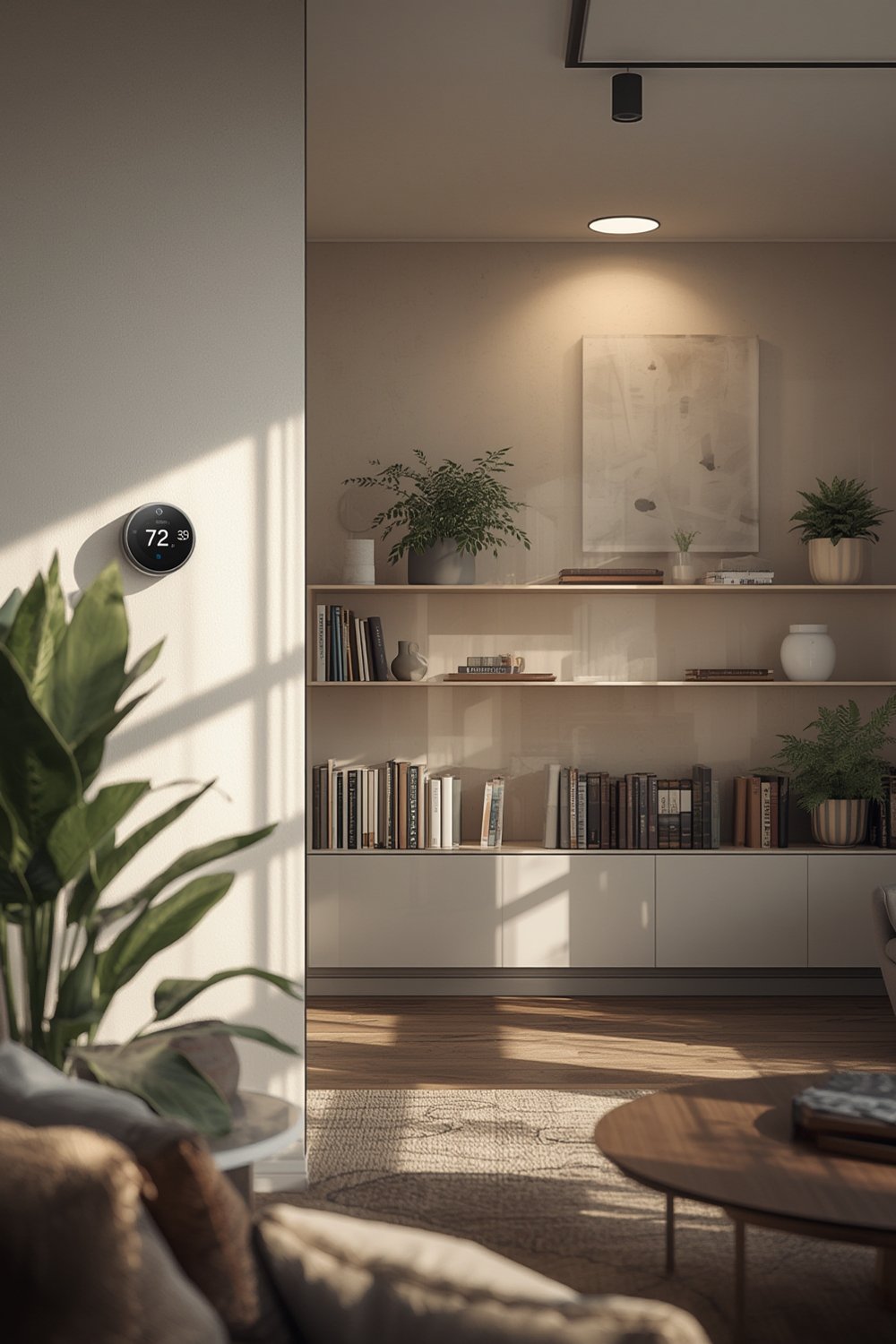
Revenue numbers also tell the story: the global smart home market is valued at $154.4 billion in 2024 and projected to climb to $231.6 billion by 2028 (source). In the US alone, active user households are expected to rise from 69.91 million this year to 93.59 million by 2027—with adoption rates above 40% (verified data).
The technology matters for more than just convenience. With integration of AI—think self-learning thermostats and voice assistants—smart homes now adapt to your schedule and preferences. Security systems are smarter, too, with real-time alerts, camera feeds, and automation for lighting and entryways. It’s not just gadgets: energy management and remote monitoring are helping families save money and live safer.
If you’re serious about improving your home or maximizing future resale value, understanding this landscape is essential. See how to plan upgrades in our Ultimate Smart Home Improvement Ideas guide.
Smart Home Devices: Step-by-Step Setup Guide
Ready to get started with smart home devices? Here’s a realistic sequence for building a functional, reliable setup at any budget level.
-
Check Your WiFi Coverage First
Smart devices often fail or glitch in areas where the router signal is weak. Do a quick walk-through using a smartphone’s WiFi strength indicator in your home. Expand coverage with mesh routers or repeaters if needed. -
Choose an Ecosystem (Don’t Mix Brands Randomly)
Pick from major ecosystems like Google Home, Amazon Alexa, or Apple HomeKit. Mixing brands (without checking compatibility) causes headaches with automation and voice control later. -
Start With Core Devices
Prioritize upgrades that make a real difference: smart thermostats (for energy savings), smart lighting (for mood and schedules), and video doorbells or security cameras.
For deep-dive setup and product picks, visit our Future-Proof Your Home guide. -
Install and Update Each Device
Use the manufacturer’s app for out-of-box setup and check immediately for firmware updates—this patches known vulnerabilities. -
Automate Routines Gradually
Link devices together: motion sensors trigger lights, cameras trigger announcements, thermostats follow schedules. Add routines one step at a time to make troubleshooting easier. -
Test and Secure
Audit privacy and password settings. Use unique passwords, two-factor authentication, and disable “external access” you won’t use. -
Expand With Purpose
Once the basics work, add more room sensors, locks, or plugs. Review our Smart Security Cameras guide for security tips.
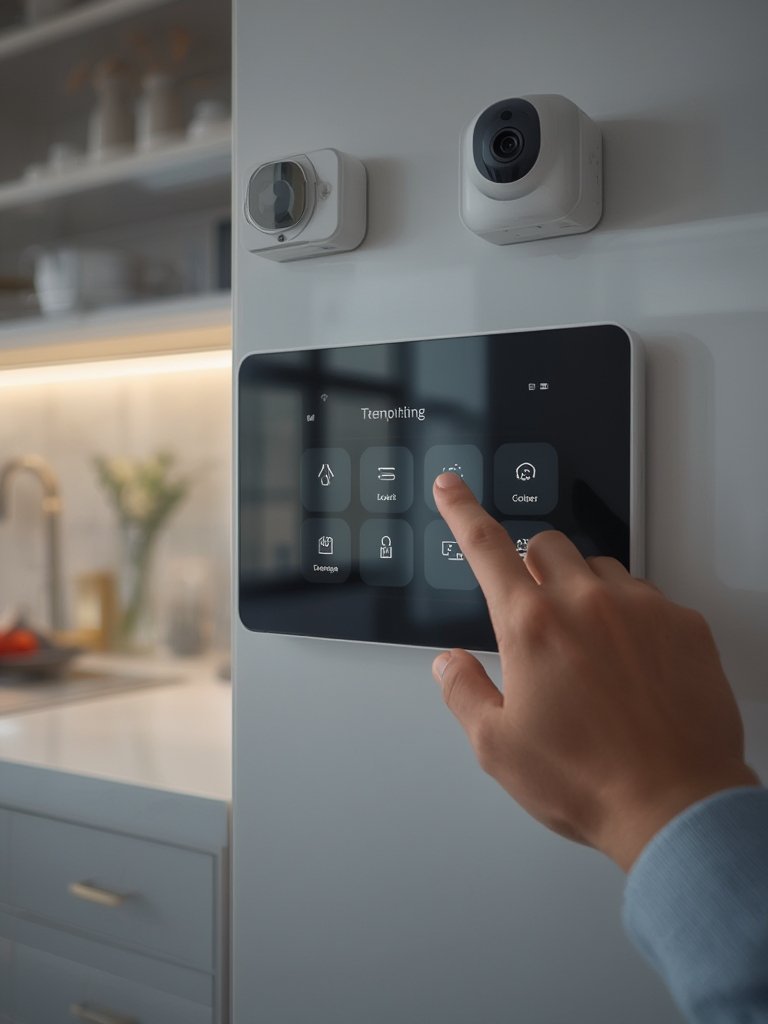
Still unsure where to start? Our practical 7 Best Ways To Future-Proof Your Home shares real examples and troubleshooting advice for every major brand, including integration for aging in place and cost-saving tips.
Advanced Analysis & Common Pitfalls
Not every smart home upgrade is smooth. Here’s a reality check—straight from the research and latest market data (source):
-
Device Compatibility
Many devices do not “talk” to each other—especially if you mix Apple, Google, Alexa, or Samsung platforms without careful planning. Result: partial or broken automation. -
WiFi Overload
Too many smart home devices on a single router can cause lag or random disconnects. Mesh WiFi systems help, but require investment. -
Security and Privacy Issues
Device hacking, outdated firmware, and weak passwords are common root causes of breaches (although surveys do not yet provide specific data about which issues are reported most by consumers). -
Installation Frustrations
Many users get stuck on integration, confusing setup menus, or unclear smartphone notifications. Always check if the device supports local installation videos or customer support. -
Hidden Costs
Some devices (notably cameras or smart locks) require monthly subscriptions or cloud storage fees that aren’t always disclosed upfront.
If you want to expand safely, our guides on how to avoid common pitfalls and practical home automation ideas cover these issues in detail.
| Pitfall | Do This Instead |
|---|---|
| Buying random brands/devices | Stick to one ecosystem and research cross-compatibility |
| Ignoring firmware/software updates | Schedule monthly update checks |
| Weak WiFi planning | Test signal, upgrade to mesh if needed |
| Using default passwords | Create strong, unique passwords for every account and device |
| Overlooking costs | Calculate ongoing fees before purchase |
Want to dig deeper into detailed troubleshooting? Our step-by-step buyer’s guide highlights these pitfalls and actionable fixes.
Conclusion
Smart home devices are gaining momentum across the globe, letting homeowners streamline daily tasks, boost security, and improve comfort—sometimes with just a simple app or voice command. With over 400 million households already connected and billions being invested in more intuitive AI-driven features, now is the time to plan your own smart home upgrade. Just remember: start with one platform, prioritize privacy, and be realistic about costs and ongoing support. Ready to take the next step? Explore hands-on tips and advanced device reviews at our Future-Proof Your Home guide and supercharge your journey with the best smart home devices available today.
Frequently Asked Questions
How much does it cost to fully automate a home with smart home devices?
Costs vary widely. Entry-level setups with smart bulbs and speakers can start under $200. For whole-home automation, including security, thermostats, and cameras, expect $1,000–$4,000 or more depending on premium features and installation fees. Some devices also require monthly subscriptions.
Are smart home devices secure?
Modern devices are more secure than ever, with regular firmware updates and optional two-factor authentication. Risks remain if you use default passwords, skip updates, or connect on unsecured networks. Always follow basic cybersecurity practices.
Do all smart home devices work together?
No. Devices from the same ecosystem (such as Google Home, Alexa, or Apple HomeKit) usually integrate seamlessly. Mixing brands may limit automation or voice control unless you use a platform that supports cross-compatibility.
Can smart home devices save energy and reduce utility bills?
Yes, especially smart thermostats, lighting, and energy monitors. By automating schedules and optimizing usage, many households report double-digit reductions in utility costs over a year. For more, see our energy-saving smart home guide.
Where should I start if I’m new to smart home devices?
Start small—add a smart speaker, a couple of WiFi bulbs, or a video doorbell. Focus on one ecosystem, ensure your WiFi is reliable, and gradually expand. Our comprehensive smart home improvement guide offers step-by-step help.