

### Blog Post:
Smart security cameras have become one of the fastest-growing upgrades for modern homes in 2024. If you want to keep your property safe, monitor deliveries, or simply gain peace of mind when you’re away, understanding the market trends, features, and real-world pitfalls is critical. This realistic guide breaks down exactly what you need to know to choose and use smart security cameras with confidence.
Key Takeaways
- The smart security camera market is booming, with wireless models growing fastest due to demand for flexibility and easy integration.
- Common user complaints—like Wi-Fi drops, privacy concerns, and unclear costs—are rarely addressed in top-ranking guides.
- Choosing the right camera means understanding both features (like AI detection) and real-world challenges, not just marketing claims.
- The Core Concept: Why Smart Security Cameras Are a Must-Have in 2024
- Step-by-Step Guide: How to Choose and Install Smart Security Cameras
- Advanced Analysis & Common Pitfalls
- Conclusion: Securing Your Home the Smart Way
- FAQ: Smart Security Cameras in 2024
The Core Concept: Why Smart Security Cameras Are a Must-Have in 2024
Smart security cameras are connected surveillance devices designed for residential use. Their main appeal is simple: they deter break-ins, let you see what’s happening around your property in real time, and automatically record suspicious activity even when you’re not home.
The global market for smart security cameras reached nearly USD 10 billion in 2024, with North America leading, and over 50% of households now using some form of video security. The fastest-growing segment is wireless cameras. Consumers are drawn to easy DIY setups, features like AI motion alerts, and integration with broader smart home systems. However, many buyers don’t realize how privacy, network security, and hardware selection can impact long-term satisfaction.
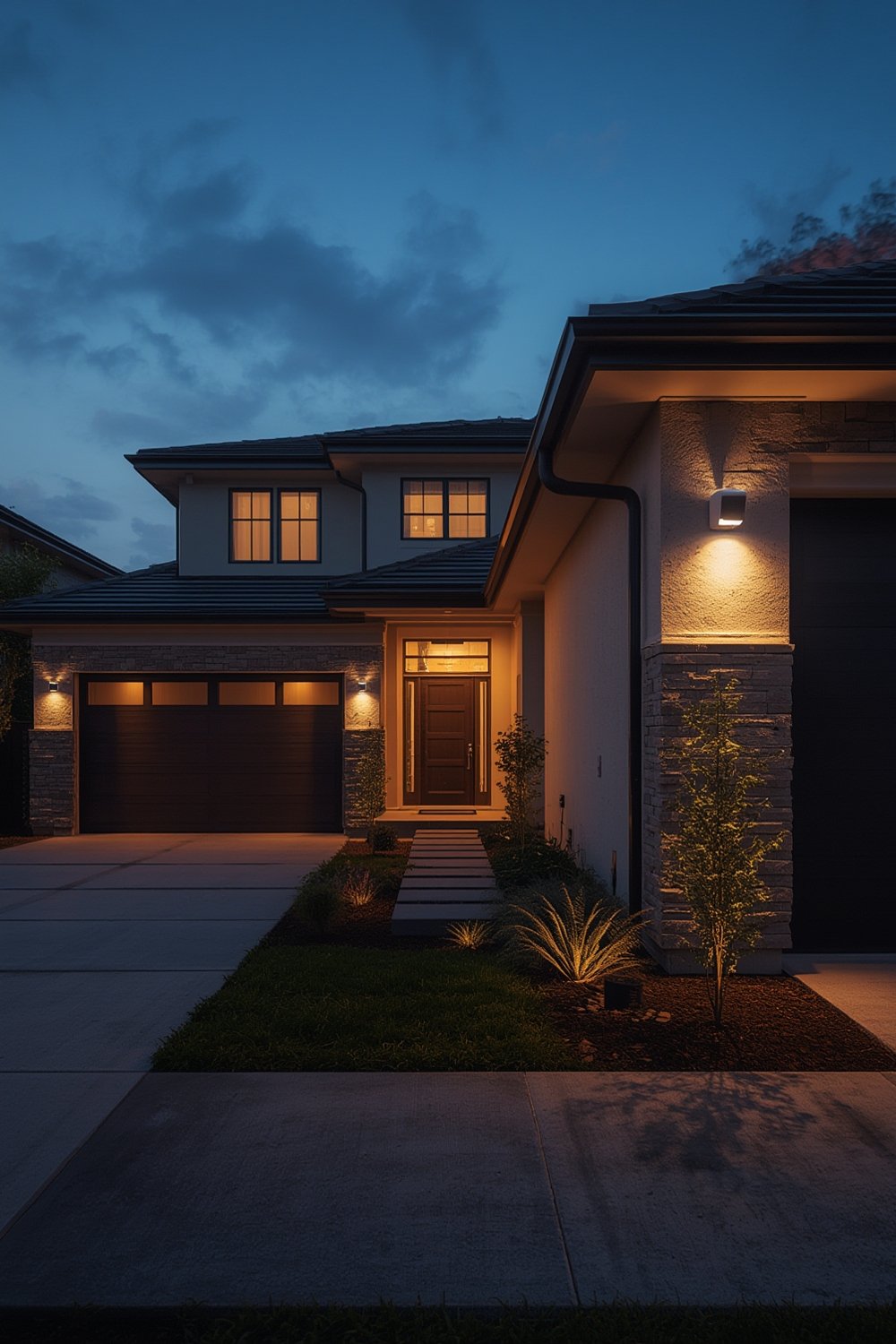
If you’re thinking about upgrading, knowing what works—and what can go wrong—is the key to making a smart decision. Let’s break down how to actually get started the right way.
Step-by-Step Guide: How to Choose and Install Smart Security Cameras
-
Assess Your Needs:
Decide which areas matter most (front door, backyard, garage, etc.), and choose between indoor, outdoor, or both camera types. Don’t get lured by fancy features you may not use. Prioritize coverage of entry points and blind spots, especially if you travel often or have valuable equipment.
-
Choose Wired or Wireless Systems:
Wired cameras are still trusted for reliability—they held about 51% of the market in 2024 (source). Wireless models, however, are growing fastest (CAGR 23.3%), with new 5G and battery-powered options easing installation headaches.
-
Evaluate Features Critical to You:
- Resolution: Look for at least Full HD (1080p); 2K or 4K offers sharper details if bandwidth allows.
- AI and Analytics: Modern cameras with motion detection, facial recognition, and object tracking reduce false alarms and quickly alert you to threats (more info).
- Field of View & Dome Cams: Dome cameras (38% share) offer 360-degree coverage—great for hard-to-monitor spots.
- Power and Battery Life: For wireless, aim for models with rechargeable batteries lasting at least several months, or wire them into existing power where possible.
- Smart Home Compatibility: Check support for Alexa, Google Home, Apple HomeKit, or your preferred smart ecosystem.
-
Budget for Upfront and Ongoing Costs:
Upfront prices range widely. Unfortunately, few top guides break down true costs. Remember to include subscriptions for cloud storage and professional monitoring. If you’re considering a full upgrade, see our breakdown in Smart Security Cameras: 7 Best Ways to Secure Your Home.
-
Plan Installation Carefully:
DIY installs are possible, but wired systems may require drilling and cable routing. Place cameras out of reach, angled to avoid glare and backlighting. For renters or temporary installs, consider peel-and-stick wireless models.
-
Secure Your Data and Privacy:
Choose brands with a strong privacy track record and regular firmware updates. Change default passwords immediately. Enable two-factor authentication. Regularly review what’s stored locally or in the cloud.
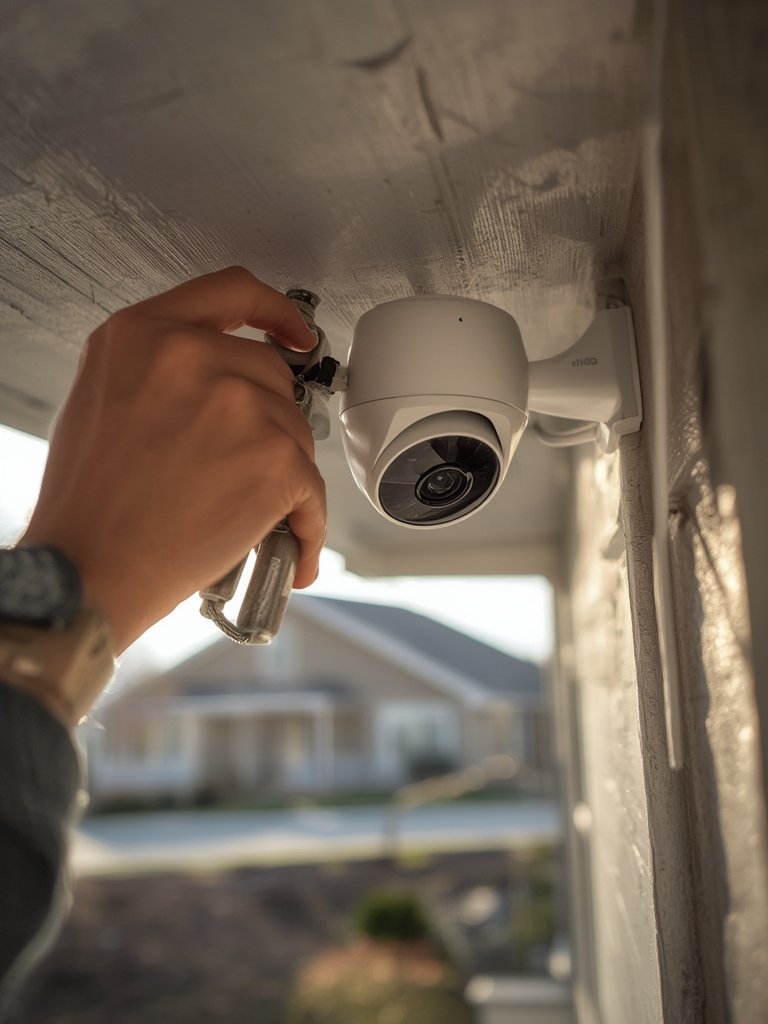
If you want more actionable ideas on smart tech for your security upgrade, check out our proven guide on Smart Security Cameras: 7 Amazing Ways to Protect Your Home or see Ultimate Smart Home Improvement Ideas for a wider home automation perspective.
Advanced Analysis & Common Pitfalls
Most high-ranking articles miss the real roadblocks homeowners face. Here’s where the reality check matters most:
Common Pitfalls
- Wi-Fi Reliability: Wireless cameras are only as reliable as your Wi-Fi network. Interference, thick walls, or distance can lead to video dropouts at the worst moments.
- Subscription Overload: Cloud recording or AI features often require pricey monthly fees. Compare total annual costs carefully—some companies even charge extra per camera.
- Privacy Risks: Not all brands are equal. Security gaps, lack of encryption, and data breaches have made the news in recent years. Always research privacy policies.
- Limited Power/Battery Life: Battery-powered cameras are vulnerable to running out of charge just when you need them. Monitor battery status and factor in seasonal temperature swings.
- Detection Gaps & False Alerts: Overly sensitive motion sensors may send constant notifications, leading to “alert fatigue”—you may end up ignoring real threats.
- Poor Placement: Cameras facing direct sunlight or hidden behind foliage often capture nothing useful. Take time to test angles with live video from your phone before finalizing placement.
Feature and Cost Comparison Table
| Feature | Wired Camera | Wireless Camera |
|---|---|---|
| Reliability | Very high, immune to Wi-Fi | Depends on Wi-Fi and battery |
| Installation | Often professional, invasive | DIY friendly, minimal tools needed |
| Upfront Cost | Higher for hardware and labor | Lower, quick setup |
| Ongoing Cost | Usually free if local storage | Cloud storage often required |
| Flexibility | Permanent, less mobile | Easy to move/upgrade |
| Best For | Long-term, large properties | Renters, small and mid-sized homes |
If energy efficiency is a concern, see our expert guide: Energy-Efficient Upgrades: 7 Amazing Ways to Maximize Savings.
Many guides also forget to mention the basics: change your default passwords, patch your devices regularly, and never use open Wi-Fi for security devices.
Conclusion: Securing Your Home the Smart Way
Smart security cameras have never been more accessible or more advanced—but they’re not a set-and-forget solution. Take time to assess your needs, weigh wire versus wireless, and dig into all subscription or data costs. Above all, smart security cameras work best when you stay vigilant about privacy, software updates, and system testing. Ready to make your home safer? Review your options and start a smarter, safer setup today. For further reading, see our in-depth guide or check out energy-efficient home upgrades to integrate security into a full smart home strategy.
FAQ: Smart Security Cameras in 2024
Are wireless smart security cameras reliable?
Wireless cameras depend on your Wi-Fi quality and battery health. For critical spots, use wired cameras or ensure your wireless network is stable and has backup power.
Is cloud storage necessary for home security cameras?
Not always. Some cameras store footage locally on SD cards or NVRs. However, cloud storage offers remote access and redundancy but may require monthly fees.
Do smart security cameras invade my privacy?
Used properly, smart cameras can safeguard privacy, but poor security settings or lax brands may expose footage. Always change default passwords and use two-factor authentication.
Can I install smart security cameras myself?
Most wireless models are DIY-ready, but wired systems may need professional installation, especially if drilling or electrical work is required.
What features should I prioritize for outdoor cameras?
Look for weather resistance, night vision, at least 1080p resolution, and strong motion detection analytics to reduce false alerts and capture useable footage.
—