

Smart security cameras are rapidly becoming must-have devices for homeowners seeking effective wireless home security. With market growth accelerating in 2024, these cameras offer flexible installation, remote monitoring, and advanced integration—but they also bring real tradeoffs and practical limitations. Here’s what you need to know to make smart decisions about these powerful devices.
Key Takeaways
- Smart security cameras are leading adoption in wireless home security, outpacing other devices due to remote access and AI features.
- Wireless solutions offer convenience but can suffer from connectivity and reliability issues compared to wired models.
- Choosing the best camera requires balancing technical specs, integration needs, ongoing costs, and privacy considerations.
- What Are Smart Security Cameras and Why Are They So Popular?
- How to Choose and Set Up Smart Security Cameras for Your Home
- Advanced Analysis and Common Pitfalls
- Conclusion & Next Steps
- Frequently Asked Questions
What Are Smart Security Cameras and Why Are They So Popular?
Smart security cameras are digital cameras equipped with wireless connectivity, cloud storage, and advanced features like AI detection and voice assistant integration. Unlike traditional CCTV, these devices let you monitor your home from anywhere through your smartphone. Their surge in popularity is driven by escalating smart home construction, easy DIY setup, and the need for real-time alerts against theft or intrusion.
The North America smart home security camera market grew to $3.78 billion in 2024 with the United States making up over 81% of those sales. Globally, estimates placed the market between $7.76 and $10.88 billion—nearly half coming from North America. Indoor cameras are the most popular, driven by theft concerns and convenient motion detection features, and wireless models are taking an ever-larger share as new homes are built with strong WiFi and IoT infrastructure. Grand View Research (2024) and Precedence Research.
Smart cameras also outpace other devices (like smart locks and sensors) for home security because they combine video evidence, remote access, and seamless integration with Amazon Alexa, Google Assistant, and smart home platforms. Markets like Australia saw residential spending top $1 billion in 2024 on cameras and video doorbells alone (GM Insights).
If you’re planning a more comprehensive home automation project, check out our Ultimate Smart Home Improvement Ideas guide for step-by-step upgrade inspiration.
How to Choose and Set Up Smart Security Cameras for Your Home
Getting the most out of smart security cameras requires careful planning—both to protect your property and to avoid common issues like WiFi drops or surprise subscription costs. Below is a step-by-step approach to selecting, installing, and optimizing your cameras for reliable wireless home security:
-
Assess Your Needs and Environment
- List all entry points and vulnerable areas.
- Decide between indoor and outdoor models (outdoor cameras need weatherproofing and better IR/night vision).
- Determine if Battery-powered cameras or plug-in works best—plug-ins mean no battery swaps, but fewer location choices.
-
Prioritize Essential Specs
- Resolution: At least 1080p, but many 2024 models offer 2K or higher for clearer identification.
- AI Detection: Minimizes false alerts by recognizing people, animals, or vehicles.
- Field of View: Choose 120° or wider (select 360° for pan/tilt models).
- Night Vision: Full-color or enhanced IR for low-light reliability.
- Smart Assistant Integration: Ensure support for Alexa, Google Home, or Apple HomeKit.
- Two-way Audio: Useful for communicating with visitors or deterring intruders remotely.
- Battery Life: Battery-powered cameras are easy to place, but battery depletion is a concern—compare real-world battery stats and user feedback.
For a deep dive into technical specs, see our Smart Security Cameras: 7 Amazing Ways to Protect Your Home guide.
-
Evaluate Integration and Compatibility
- Check that your ecosystem (Alexa, Google, Apple, etc.) supports your new devices.
- Look for IFTTT compatibility for custom routines, like turning on lights when motion is detected.
- Plan how cameras will work with smart locks, sensors, and alarms—full automation boosts effectiveness.
- For more security-focused integration, explore our Smart Home Devices: 7 Amazing Ways to Boost Security (Proven Guide).
-
Clarify Upfront and Ongoing Costs
- Compare camera prices: Budget models start around $50–$80; premium devices with advanced AI and cloud features can exceed $200 each.
- Subscription fees for cloud storage and advanced features: Expect $3–$10/month per camera, or around $100/year for unlimited plans. Many brands offer local storage as a no-fee alternative but with less accessibility.
- Factor in the cost of accessories: Mounts, battery replacements, WiFi extenders, and SD cards.
- Read terms carefully—hidden fees and auto-renewals are common pain points.
-
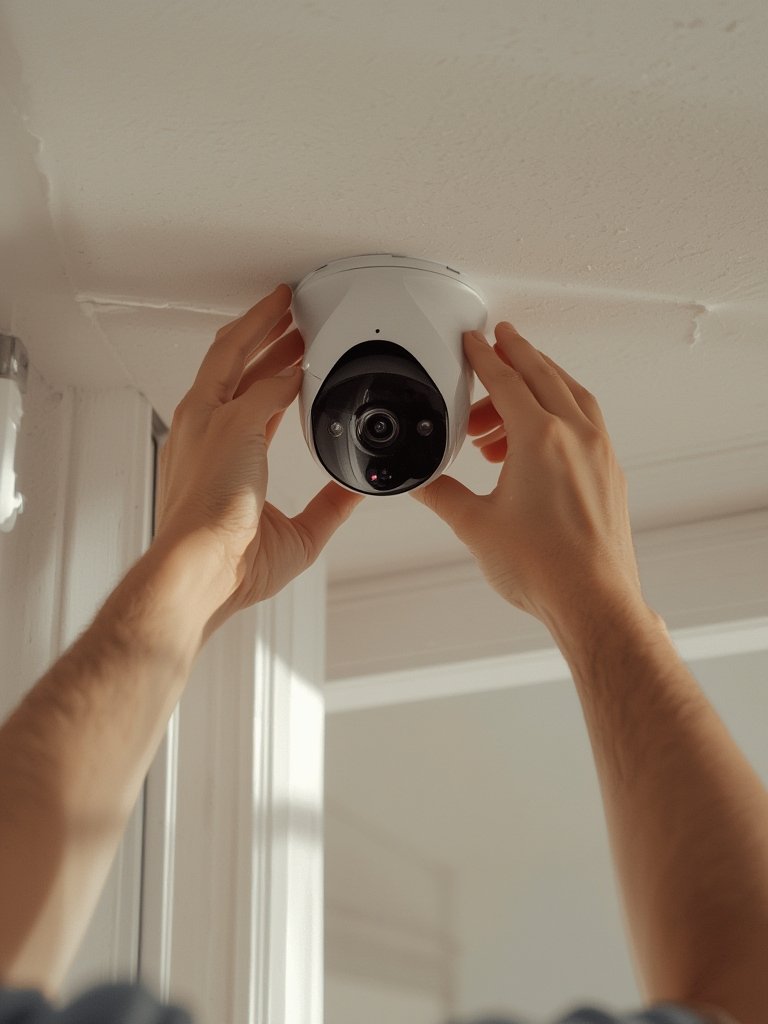
Install Strategically
- Mount at 7–9 feet high and angle downward to minimize blind spots and avoid sun glare.
- Always test WiFi signal strength in real placement spots before drilling or permanent mounting.
- Secure devices physically and change default passwords to prevent tampering or digital intrusion.
- Don’t forget privacy—avoid aiming cameras where they can capture neighbors’ homes or private areas (this avoids disputes and privacy complaints).
-
Connect, Configure, and Test
- Download and install the app, create your account, and follow onboarding to pair the camera(s).
- Set up user accounts for family or trusted individuals.
- Adjust motion sensitivity, notification thresholds, and zone masking to reduce false alarms.
- Run tests from both inside and outside your home (using mobile data) to ensure remote access works reliably.
If you’re upgrading your entire home, see our expert tips on Smart Home Devices: 7 Amazing Ways to Upgrade Your Home (Proven Guide) for essential automation ideas.
For homeowners with a focus on energy savings, pairing cameras with other efficient upgrades is covered in our Energy-Efficient Upgrades guide.
Advanced Analysis and Common Pitfalls
No home technology is perfect. Below are the biggest real-world pitfalls with smart security cameras—so you can plan ahead, avoid surprises, and get the most value from your investment.
Common Problems to Watch For
- WiFi dependency: Wireless cameras are only as reliable as your home’s network. Outages or interference can make you miss critical alerts. Wired models held 55% of the 2024 market for a reason—reliability.
Source: Precedence Research - False alarms: Even with AI, shifting shadows, swaying trees, or passing cars can still trigger unwanted notifications. Tuning settings and defining detection zones helps, but some brands are better than others.
- Battery life: Battery models promise “months,” but cold weather, frequent activity, and poor signal quickly drain them.
- Cloud storage costs: Almost all major brands now charge for video history and advanced alerts past the trial period. Some require subscriptions even for core features like person detection.
- Privacy concerns: Video feeds are potentially hackable if you use weak passwords or ignore device updates. Some users worry about camera vendors accessing private footage without consent.
- Integration & compatibility: Not all devices play nicely—especially across different ecosystems. Some brands limit full features to just their own apps or platforms.
- Setup hurdles: App interfaces and camera onboarding can be confusing for non-technical users. Mounting brackets often require a steady hand or special drill bits.
Smart Security Cameras vs. Other Wireless Devices: What You’re Paying For
| Feature | Smart Security Cameras | Smart Locks | Motion Sensors |
|---|---|---|---|
| Core Function | Video surveillance, alerts, evidence collection | Remote/unlock doors, access control | Detect movement, trigger alarms or automations |
| Integration | Strong: Alexa, Google, HomeKit, automation routines | Strong: Alexa, Google, app controls | Moderate: often tied to brands/ecosystems |
| Ongoing Costs | High: subscription for cloud storage/AI features | Low: rare subscription fees | Low-medium: batteries, usually no subscription |
| Privacy Risk | Higher: video/audio recordings, hacking concerns | Medium: access logs, personal data exposure | Low: limited data risk |
| Typical Price (2024) | $50–$200+ per camera + cloud fees | $80–$250 per lock | $20–$60 per sensor |
Comparing these devices reveals why cameras dominate new security setups: they deliver visual evidence and deterrence, but at a cost—both financially and in potential data exposure.
For tips on minimizing pitfalls and building a secure home network for your smart devices, visit our actionable Smart Home Devices: 7 Amazing Ways to Secure Your Home (Proven Guide).
Conclusion & Next Steps
Smart security cameras continue to set the pace for wireless home security in 2024 and beyond. While they offer real convenience, video evidence, and strong integration options, you must choose carefully and address connectivity, privacy, and cost challenges up front. Invest time in planning and regular system checks, and your smart security cameras will provide reliable peace of mind.
Ready to dive deeper, compare models, and get expert tips on installation? Explore our in-depth Smart Security Cameras Guide for practical checklists, best picks, and more strategies.
Frequently Asked Questions
Do smart security cameras work without WiFi?
Some models support local storage and limited functionality without WiFi, but most smart security cameras require an internet connection for live streaming, mobile notifications, and cloud storage.
Are wireless security cameras easy to install?
Most wireless cameras offer simple DIY installation with peel-and-stick mounts or basic screws. However, you’ll need to ensure good WiFi coverage and follow setup instructions closely for proper app pairing.
How can I reduce false alarms from my cameras?
Adjust motion sensitivity settings and use zone masking to ignore common movement (like trees or streets). Investing in cameras with advanced AI detection also reduces unwanted alerts.
Is it safe to store security footage in the cloud?
Reputable brands use encrypted storage and strong security practices, but no system is entirely risk-free. Use strong, unique passwords and enable two-factor authentication to keep your footage secure.
What’s the real cost of owning a smart security camera?
Budget cameras start at $50–$80 each, but ongoing subscription fees for storage and advanced alerts can add $3–$10 per month per camera. Accessories and data use may add minor additional costs.

[…] Upfront prices range widely. Unfortunately, few top guides break down true costs. Remember to include subscriptions for cloud storage and professional monitoring. If you’re considering a full upgrade, see our breakdown in Smart Security Cameras: 7 Best Ways to Secure Your Home. […]
[…] Install motion lights, smart locks, and security cams (how-to guide) […]