

Smart security cameras have rapidly changed how homeowners approach safety, making it easier than ever to monitor your home from anywhere. Whether you’re looking to deter package thefts, keep an eye on loved ones, or simply sleep better at night, understanding how these devices work—and knowing their limitations—is crucial for making the right choices.
Key Takeaways
- The global smart home security camera market is booming, expected to reach over $50 billion by 2033 with North America leading in adoption.
- Wireless smart security cameras are advancing fast, driven by AI features, improved connectivity, and smart home integrations.
- Choosing the right system means weighing key features, privacy risks, and the balance between local and cloud storage.
- What Are Smart Security Cameras—and Why Are They Essential for Modern Homes?
- How to Choose and Set Up Smart Security Cameras: Step-by-Step Guide
- Advanced Analysis: Real Problems, Pitfalls, and What Most People Miss
- Conclusion
- FAQ
What Are Smart Security Cameras—and Why Are They Essential for Modern Homes?
Smart security cameras are internet-connected devices that enable homeowners to view live or recorded video, receive motion alerts, and often use AI to distinguish between people, pets, and vehicles. Unlike older CCTV or wired cameras, today’s wireless smart security cameras can be installed wirelessly, managed by phone, and integrated into other smart home ecosystems. Their popularity is surging—not just as a convenience, but as a powerful deterrent against break-ins and property crime.
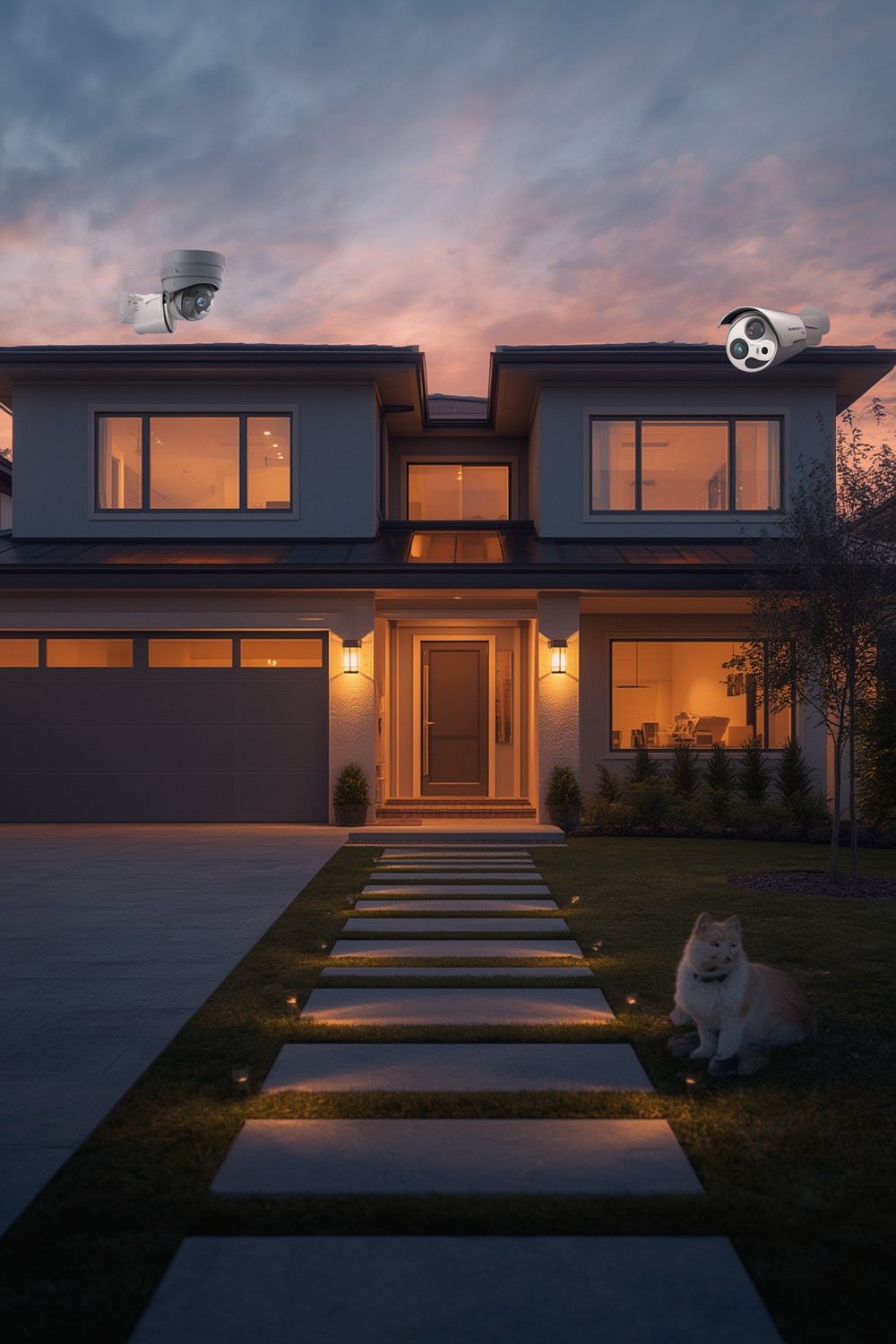
According to recent data, the global market for smart home security cameras was valued between $9.98 billion and $10.88 billion in 2024, predicted to soar past $50 billion in the next decade. North America accounts for around 41% of this market. The growth is driven by rising concerns over theft, the spread of IoT-enabled devices, and smart city initiatives (Precedence Research, The Research Insights).
Wireless cameras now lead technological innovation, offering DIY installation and flexibility for both owners and renters. For a look at how smart security fits into a broader home technology roadmap, see our guide on Ultimate Smart Home Improvement Ideas to Upgrade Your Living Space.
How to Choose and Set Up Smart Security Cameras: Step-by-Step Guide
Getting smart security cameras right means more than just picking something off the shelf. Here’s a practical, actionable guide to help you deploy a solution you can trust.
- Define your security goals: Do you want full perimeter coverage, or just keep an eye on packages? Prioritize entryways, garage, and yard views for most impact.
- Assess your Wi-Fi network: A weak signal leads to dropped feeds and poor reliability. Place your router centrally and consider adding a mesh system or extender for larger homes.
- Pick your camera type: Decide between battery-powered versus wired, indoor versus outdoor, and choose brands known for frequent updates and support—such as Ring, SimpliSafe, ADT, or Vivint (Grand View Research).
- Compare key features: Look for resolutions above 1080p, at least 120-degree field of view, night vision (ideally color), two-way talk, and AI-powered alerts for people, faces, or vehicles. Don’t forget weather resistance for outdoor cameras.
- Choose storage wisely: Decide between local storage (microSD cards/NVRs) or cloud plans. Local storage means no monthly fee, but cloud recording offers more redundancy and access anywhere. This underexplored topic can make or break your privacy goals.
- Integrate with your smart home system: Make sure your cameras work with Alexa, Google Assistant, or Apple HomeKit for seamless voice control and automation. For more home automation ideas, check out our guide on Smart Home Devices: 7 Amazing Ways to Upgrade Your Home.
- Test privacy settings: Review permissions, set strong passwords, enable encryption, and keep firmware updated to minimize hacking risks. For a deeper dive into securing your setup, don’t miss our advice in Smart Home Devices: 7 Amazing Ways to Boost Security.
- Install and test: Start with one camera, review the footage for blind spots, then install the rest. Periodically test the mobile app, notifications, and integration features.
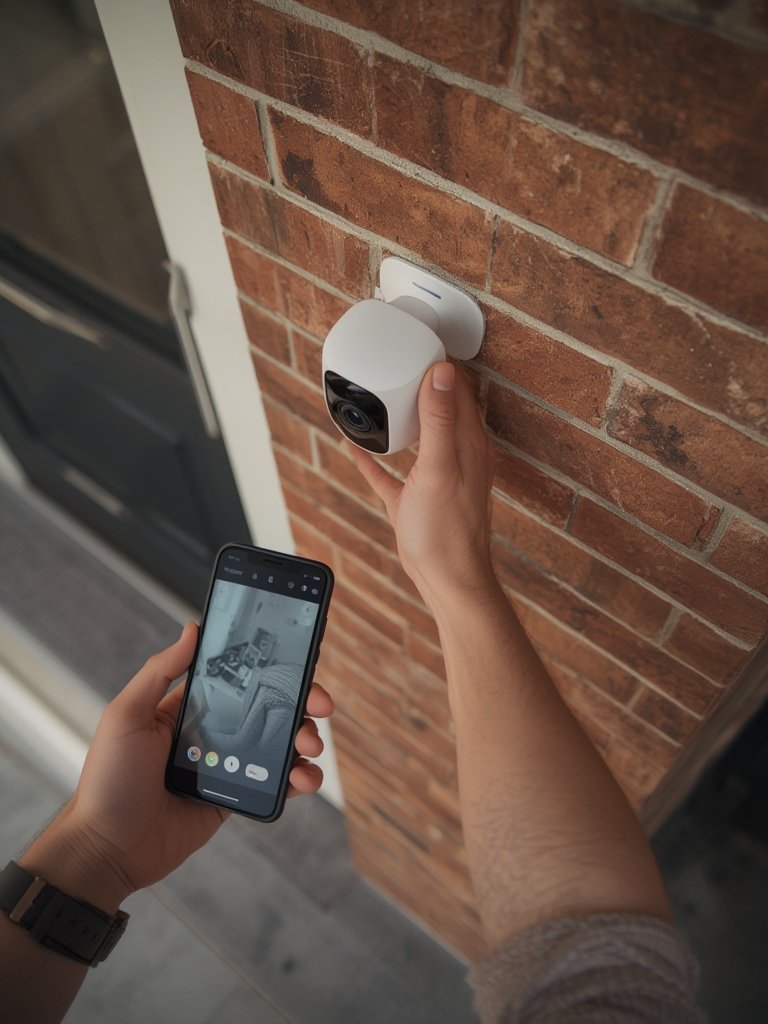
Once your system is live, create automated routines: for example, activate all exterior cameras when your smart door lock is engaged. For ways to save energy and improve comfort with smart routines, visit our post on Smart Home Devices: 7 Amazing Ways to Save Energy.
Revisit your setup every few months, especially after app or firmware updates, to ensure cameras remain online and privacy settings are current.
Advanced Analysis: Real Problems, Pitfalls, and What Most People Miss
Smart security cameras offer real convenience and safety—but there are real-world challenges you’re less likely to hear about in glossy advertisements. Here’s what you need to watch out for:
- Privacy risks: Internet-connected cameras are a potential target for hackers if not properly secured. Use unique passwords and two-factor authentication where possible.
- Subscription fatigue: Most leading brands require a monthly cloud storage fee to unlock full features. Without it, you may lose access to footage or AI alerts. Budget for these ongoing costs.
- False alerts: Squirrels, shadows, and passing cars can trigger alerts constantly. While AI filtering has improved, it’s far from perfect, and you’ll need to adjust sensitivity or set activity zones.
- Lag and missed footage: Weak Wi-Fi can produce laggy video or missed recordings. Always test coverage and consider professional-grade or mesh Wi-Fi systems for larger homes or difficult layouts.
- Installation limitations for renters: Many smart cameras require drilling or wiring, which isn’t always renter-friendly. Look for no-drill mounts, adhesive pads, or window-mounted options.
- Data ownership and storage limits: With cloud storage, footage is often retained for just 7 to 30 days. Know the terms for your service, and if you need longer retention or full control of your data, prioritize models with local recording.
| Feature/Brand | Wired | Wireless | Typical Video Quality | AI Detection | Storage | Approx. Monthly Fee |
|---|---|---|---|---|---|---|
| Ring | Yes | Yes | 1080p-4K | People, Packages, Vehicles | Cloud + local (limited) | $3–$10 |
| SimpliSafe | Yes | Yes | 1080p | People, Motion | Cloud | $10+ |
| eufy (Anker) | No | Yes | 2K–4K | People, Faces | Local (Hub) + optional cloud | $0–$5 |
| Vivint | Yes | Yes | 1080p–4K | People, Vehicles, Packages | Cloud | $20+ |
While brands like Ring and SimpliSafe lead the US market, up-and-comers such as Xiaomi and eufy are gaining ground with affordable, no-fee local storage options (see more at Straits Research).
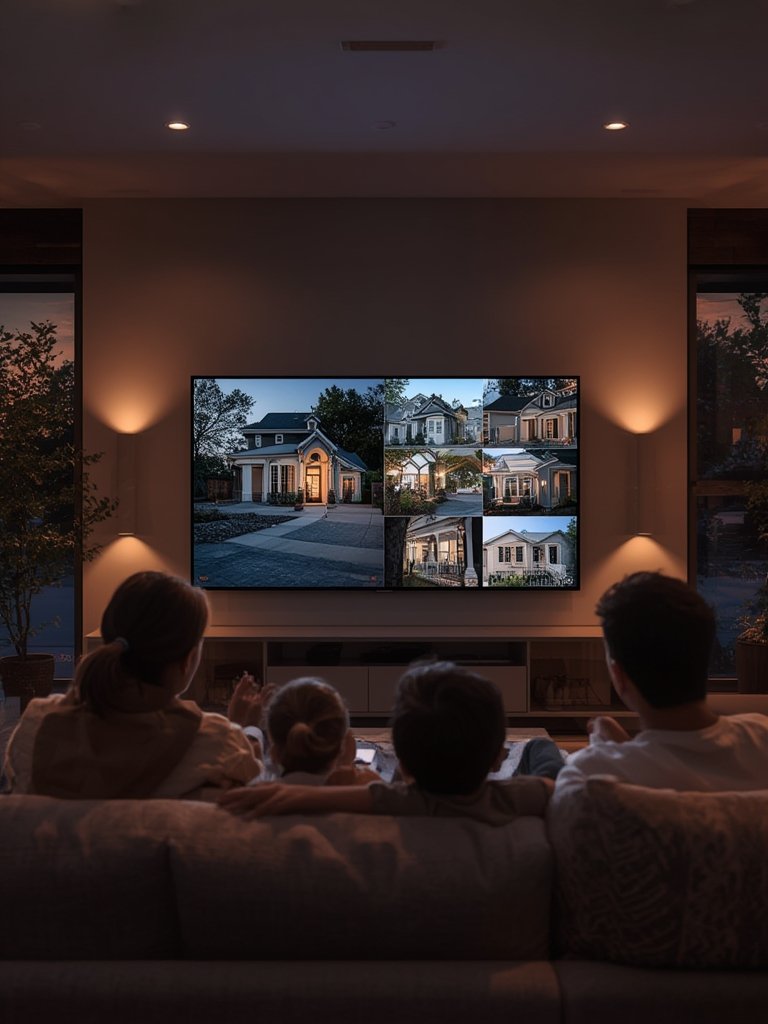
Don’t overlook the importance of integrating security routines with other devices. For example, trigger exterior lighting or alarms if a camera detects motion after dark—you can find more strategies in our guide on Smart Home Devices: 7 Amazing Ways to Secure Your Home.
Conclusion
Smart security cameras are no longer a luxury—they’re a practical tool for anyone who values safety, convenience, and peace of mind. As new models continue to add AI features and better wireless performance, the trick is to match your real needs with the right technology, while keeping privacy, cost, and reliability in clear view.
If you’re ready to take the next step in protecting your home with smart security cameras, start by assessing your network, choosing the right feature set, and planning for both upfront and recurring costs. Stay ahead of new features and integrate your security setup with your broader smart home goals.
Take action today—invest in smarter, safer living for you and your family.
FAQ
Are wireless smart security cameras as reliable as wired ones?
Wireless cameras have improved massively but still depend on your Wi-Fi strength and battery management. Wired cameras offer greater consistency but require more installation effort. Both can be highly reliable when properly set up.
What ongoing costs should I expect with smart security cameras?
Most major brands charge $3–$20 per month for cloud storage and advanced features, but select brands, like eufy, allow free local recording. Always check the service terms before choosing a system.
How can I minimize privacy and hacking risks with smart cameras?
Use strong, unique passwords, enable two-factor authentication, keep firmware updated, and regularly review sharing permissions. Whenever possible, prefer brands with strong encryption and privacy track records.
Can I use smart security cameras in a rental property?
Yes, opt for wireless, battery-powered models with magnetic or adhesive mounts to avoid drilling. Always consult your landlord before installation, and consider cameras that can be easily uninstalled.
How long is video stored with popular cloud plans?
Most cloud plans store footage for 7 to 30 days, depending on the tier you pay for. For longer storage, combine cloud recording with local microSD or network storage if available.
[…] a deep dive into technical specs, see our Smart Security Cameras: 7 Amazing Ways to Protect Your Home […]
[…] in additional practical upgrades, check out our guide to home technology improvements, or explore the latest in smart security camera setups for more expert […]